© 2011 TeleType Co.
77
Working with My Points
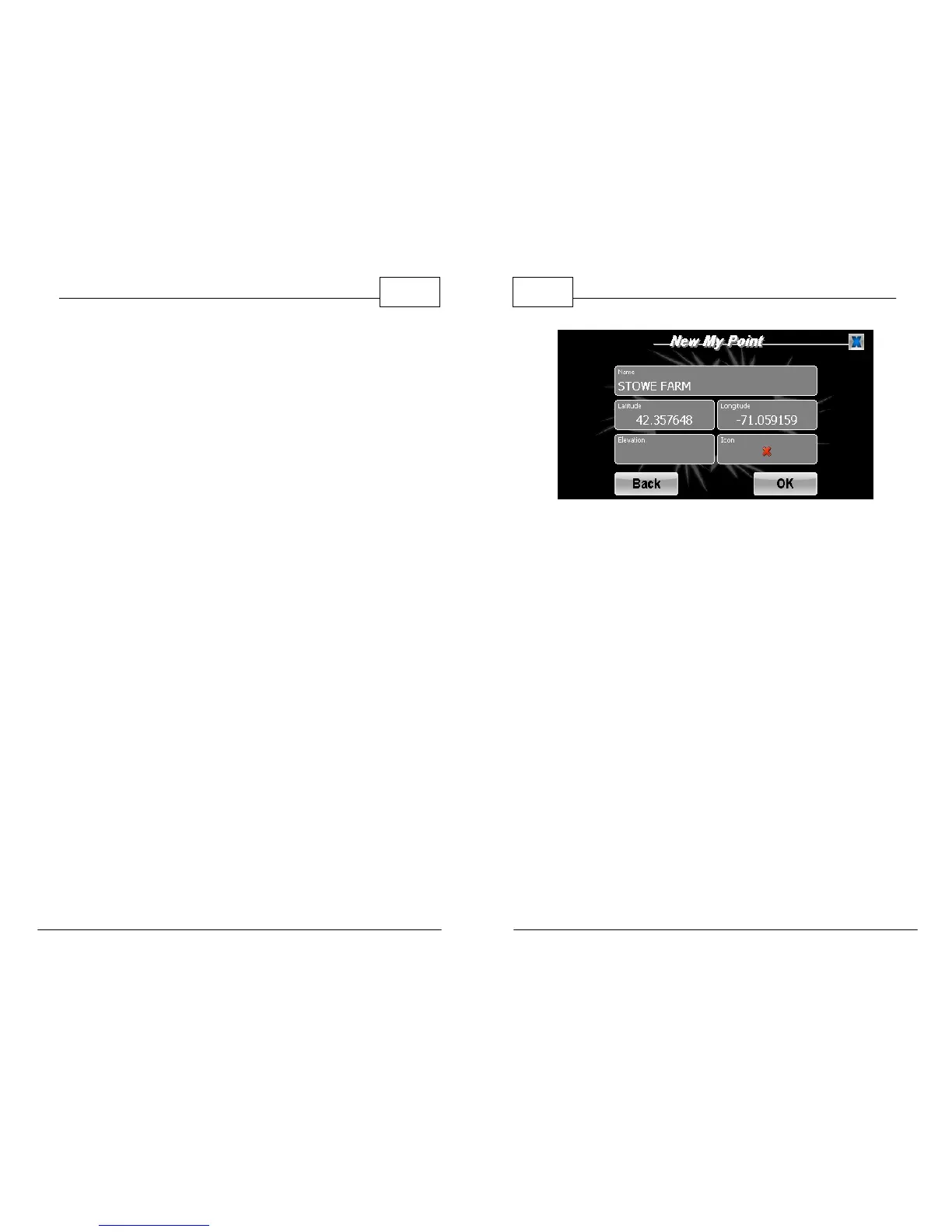
3.3 Manual My Point Entry
If you prefer to route to a set of GPS coordinates
rather than an address you can manually enter the
latitude/longitude by creating a My Point. Once the
point has been entered then you can use it for
routing purposes.
1. Access your My Points menu and press
<Manual Entry>.
2. Insert a name for your My Point by tapping on
the <Name> panel. Insert the coordinates by
tapping on the latitude and longitude panels
and entering the correct data. (For points west
of the Prime Meridian, a minus sign must
precede the longitude). Select an icon from
the <Icon> panel.
WorldNav Navigation Software
78
© 2011 TeleType Co.
New My Point - Manual Entry



 To Next Page