© 2011 TeleType Co.
91
Navigation Preferences
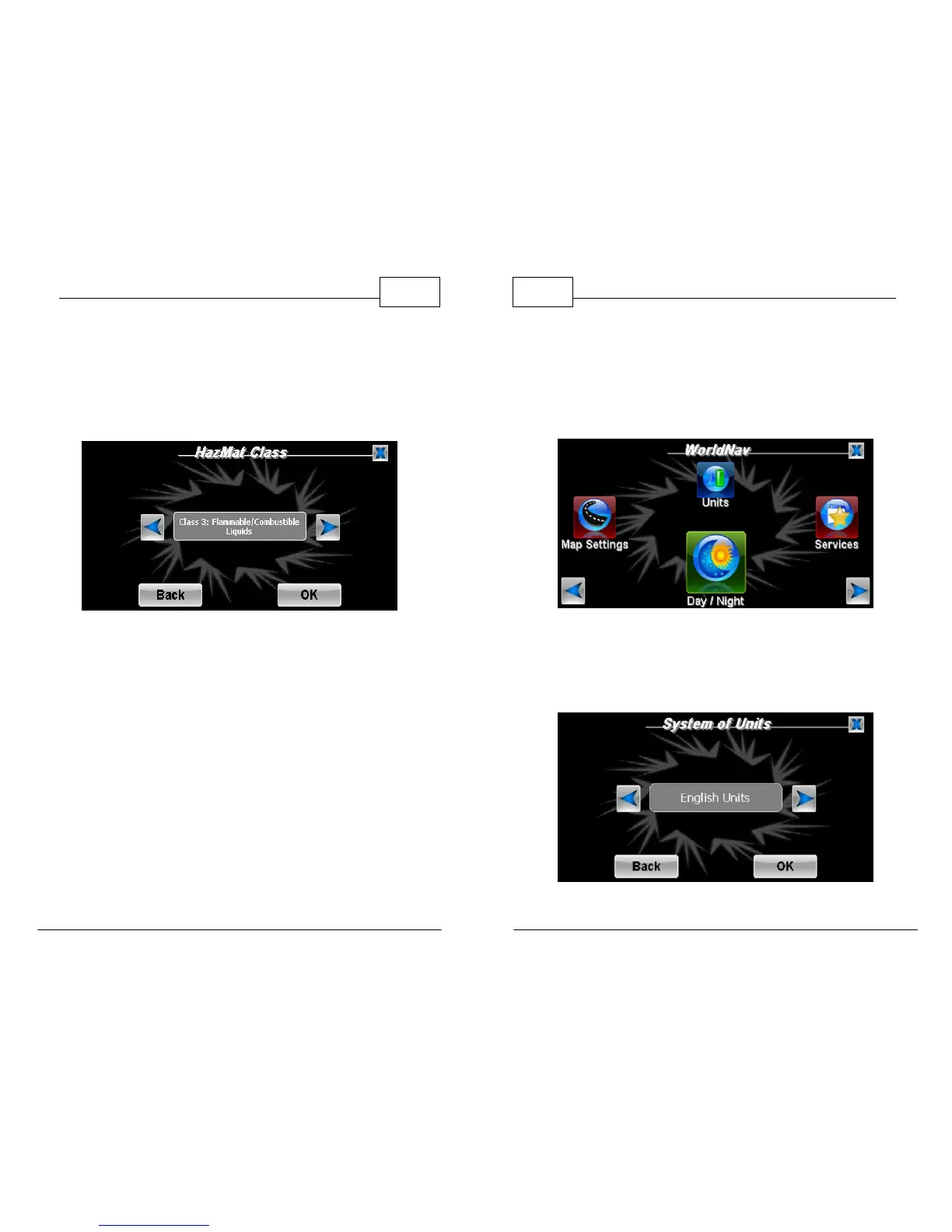
7. Press <HazMat> to adjust your Hazardous
Materials Class. Use the arrows to select class
of cargo being transported. Each class contains
a descriptive label.
Truck Settings: Hazmat Class Changed to Class 3
8. When you have selected all your correct route
and truck settings, press <OK>.
WorldNav Navigation Software
92
© 2011 TeleType Co.
4.2 Choosing a System of Units
Specify whether the WorldNav should display
measurements in Metric or English units.
Main Menu - Units
1. Press <Menu>, right arrow icon and then
select <Units>. Switch between Metric and
English units by pressing the arrow icons.
System of Units



 To Next Page