© 2011 TeleType Co.
109
Special Features
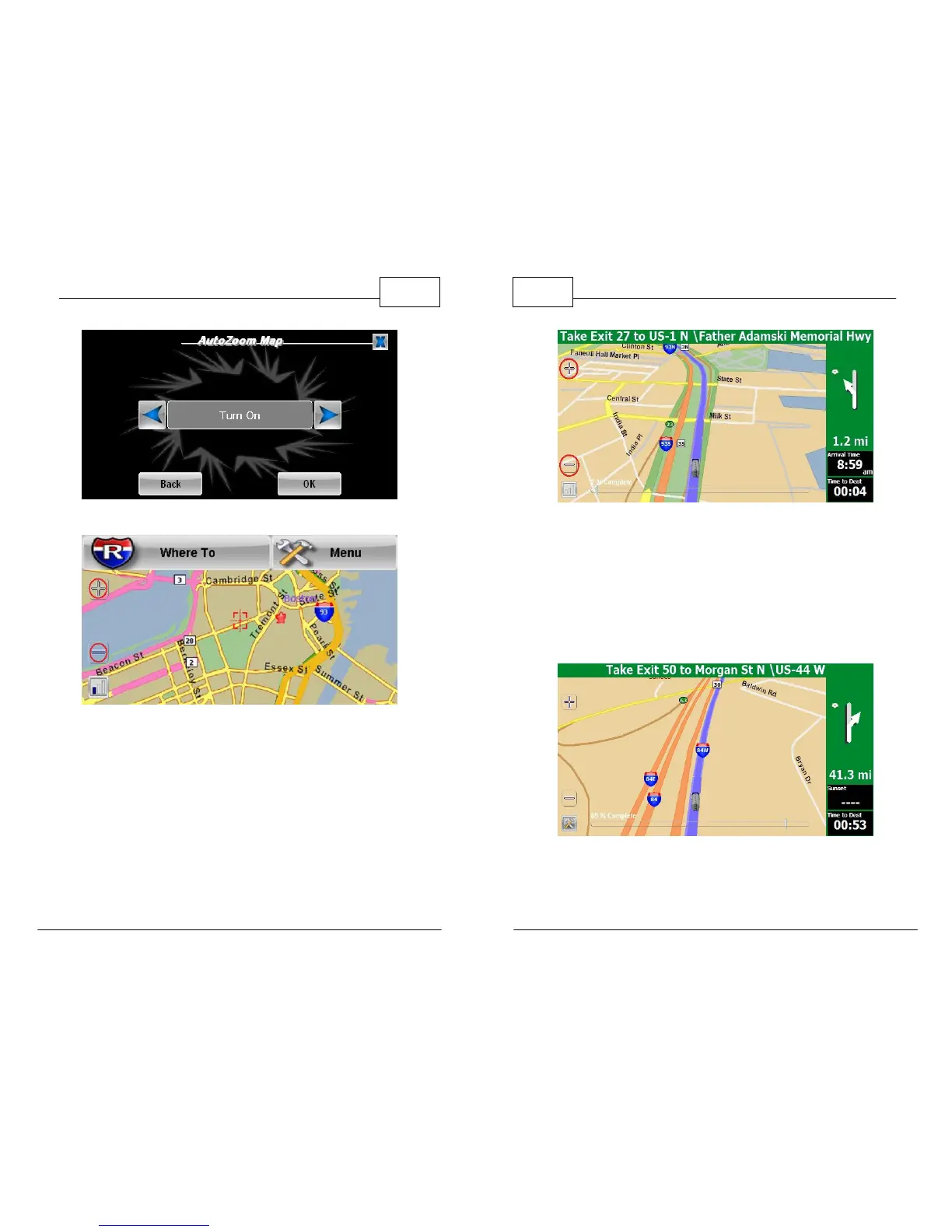
AutoZoom Settings
Zoom Buttons in Map Mode
WorldNav Navigation Software
110
© 2011 TeleType Co.
Zoom Buttons in Navigation Mode
3. <2D/3D> allows you to set the dimension in
which you view your map display. 2D offers a
birds-eye view with more detail while 3D offers
a more realistic view with less detail showing
you more of what lies ahead.
Routing in 3D Mode



 To Next Page