© 2011 TeleType Co.
111
Special Features
Routing in 2D Mode
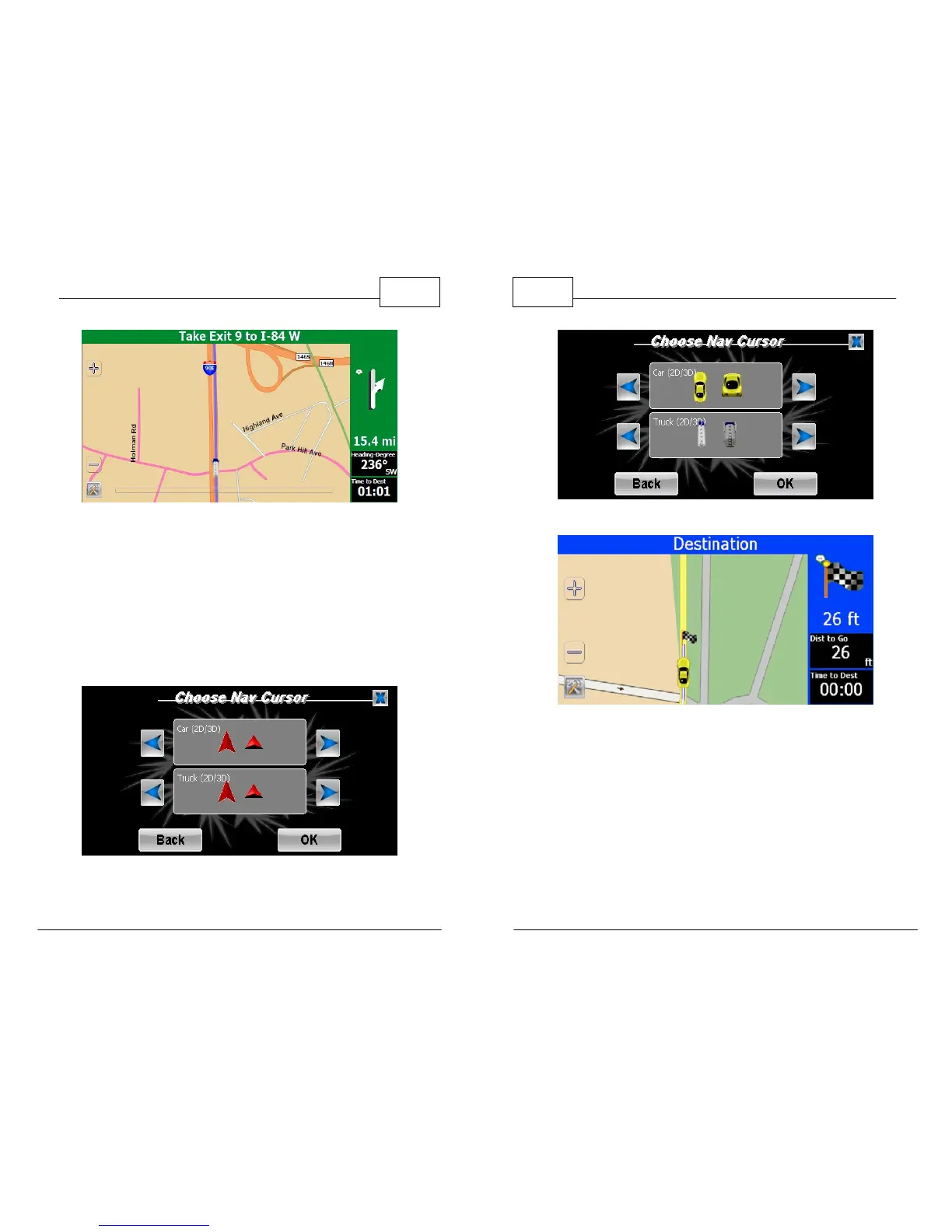
4. <Cursor> allows you to select your Navigation
Cursor. This is a visual representation of your
vehicle on screen. The default cursor shows a
red triangle as seen below. Tap the right or left
arrows to choose either a car (for Car Mode) or
a truck (for Truck Mode) then press <OK>.
Default Nav Cursor
WorldNav Navigation Software
112
© 2011 TeleType Co.
Nav Cursor Choices
Car Cursor in 2D Mode



 To Next Page