© 2011 TeleType Co.
113
Special Features
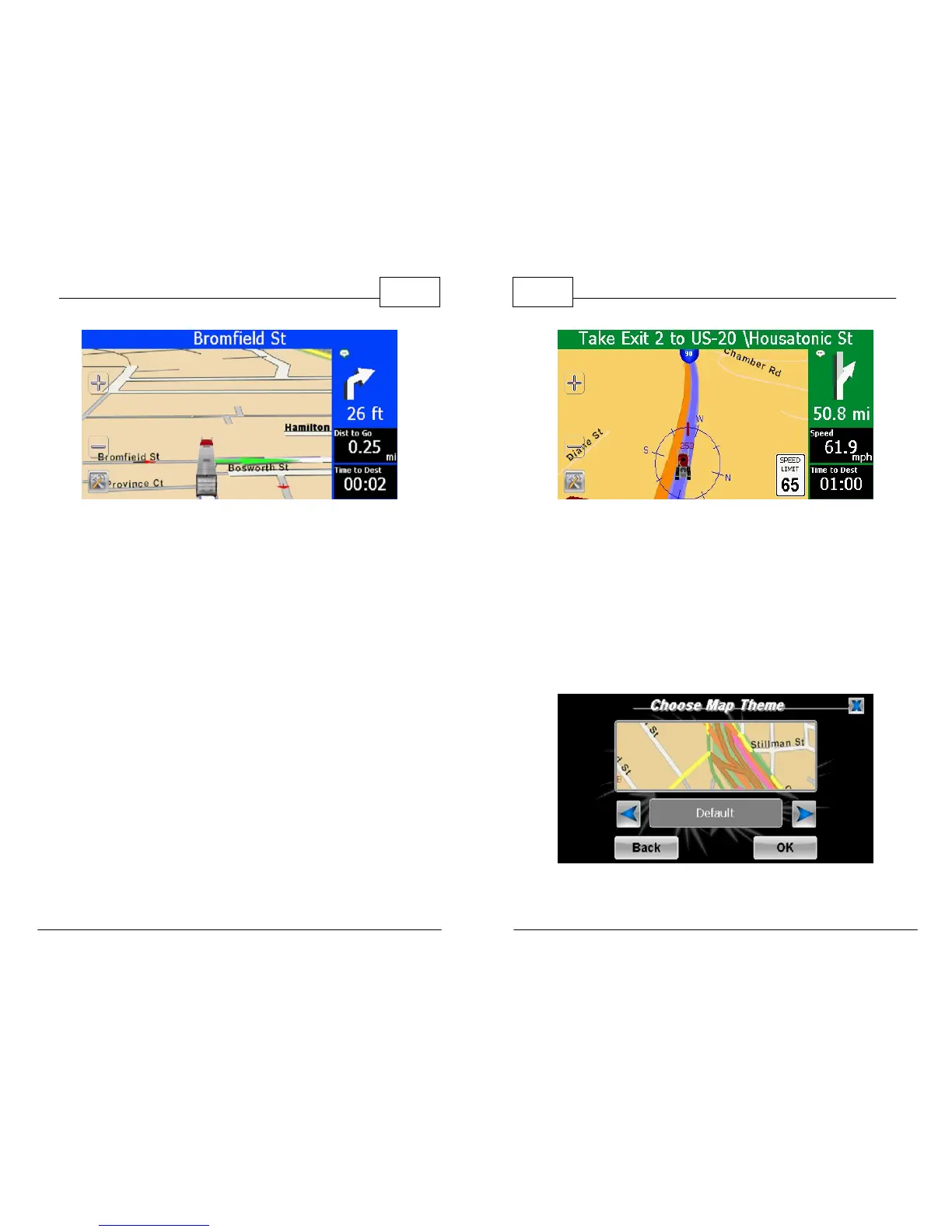
Truck Cursor in 3D Mode
5. By pressing the right arrow while on the Map
Settings page, then selecting <Speed Limit>
you can choose to display the posted speed
limit, which also flashes red when the speed
limit is exceeded. Select <Show> to display the
speed limit and press <OK>. Note: While in
Truck Mode the speed limit indicator refers to
the posted speed limit for trucks when
available.
WorldNav Navigation Software
114
© 2011 TeleType Co.
Speed Limit Sign Displayed
6. <Map Theme> allows you to change the
appearance of the map display while in
navigation mode. Six options are available:
Default, Classic, Spring, Summer, Fall, and
Winter. Note: All restricted roads will remain
pink.
Default Theme



 To Next Page