© 2011 TeleType Co.
115
Special Features
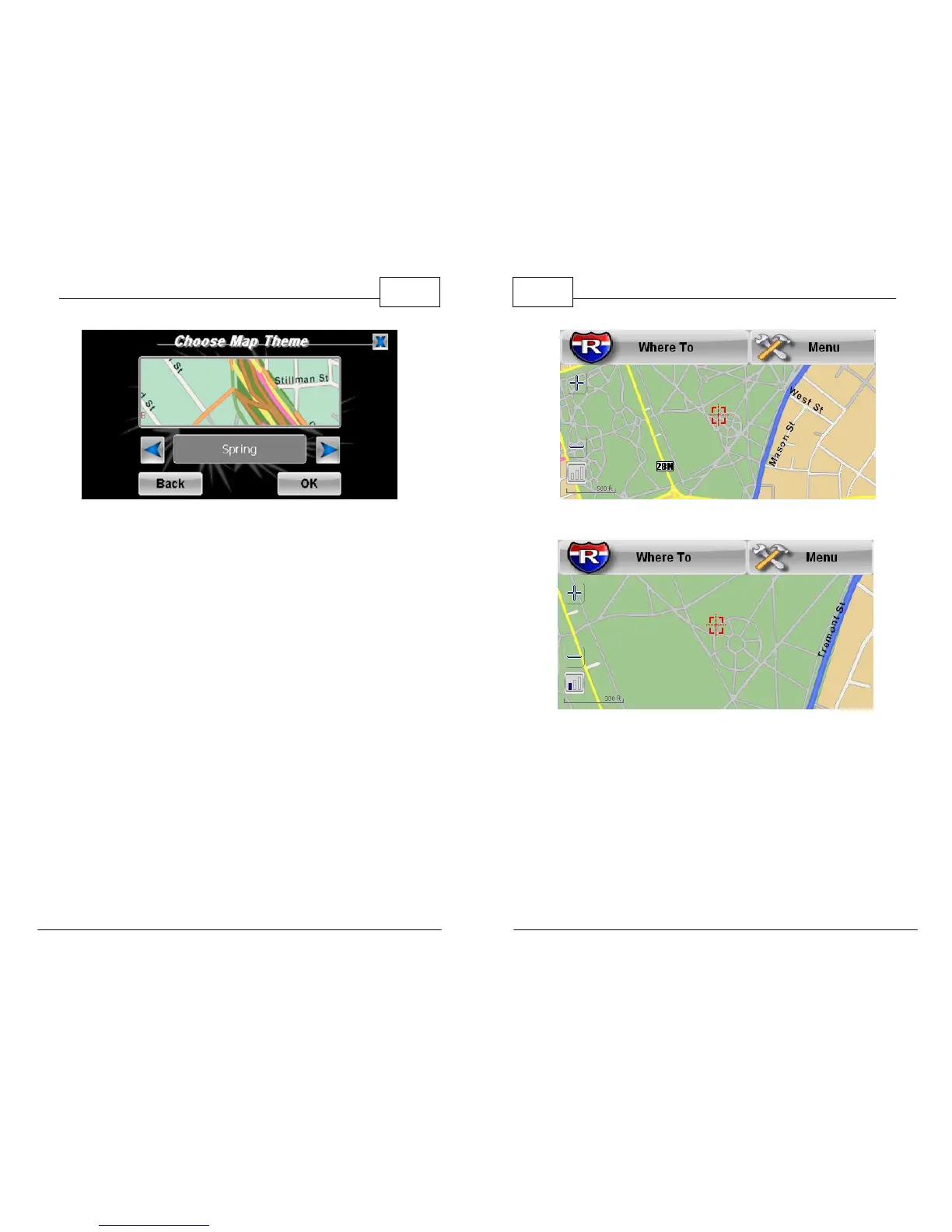
Spring Theme
7. <Compass> will display a navigational compass
on screen while you are navigating to keep you
aware of your general direction. (See photo on
Step 5 to see compass feature)
8. <2D Map Scale> will display a map scale in the
lower left hand corner of your navigation
screen and will give you an approximate
distance relative to the current zoom level.
WorldNav Navigation Software
116
© 2011 TeleType Co.
2D Scale showing 500 ft.
2D Scale showing 300 ft.
9. <Background> lets you change the wallpaper
image that appears behind the menu icons. You
can either select from the pre-loaded
background images or upload your own
through your PC (For complete instructions,
refer to www.teletype.com).



 To Next Page