© 2011 TeleType Co.
119
Special Features
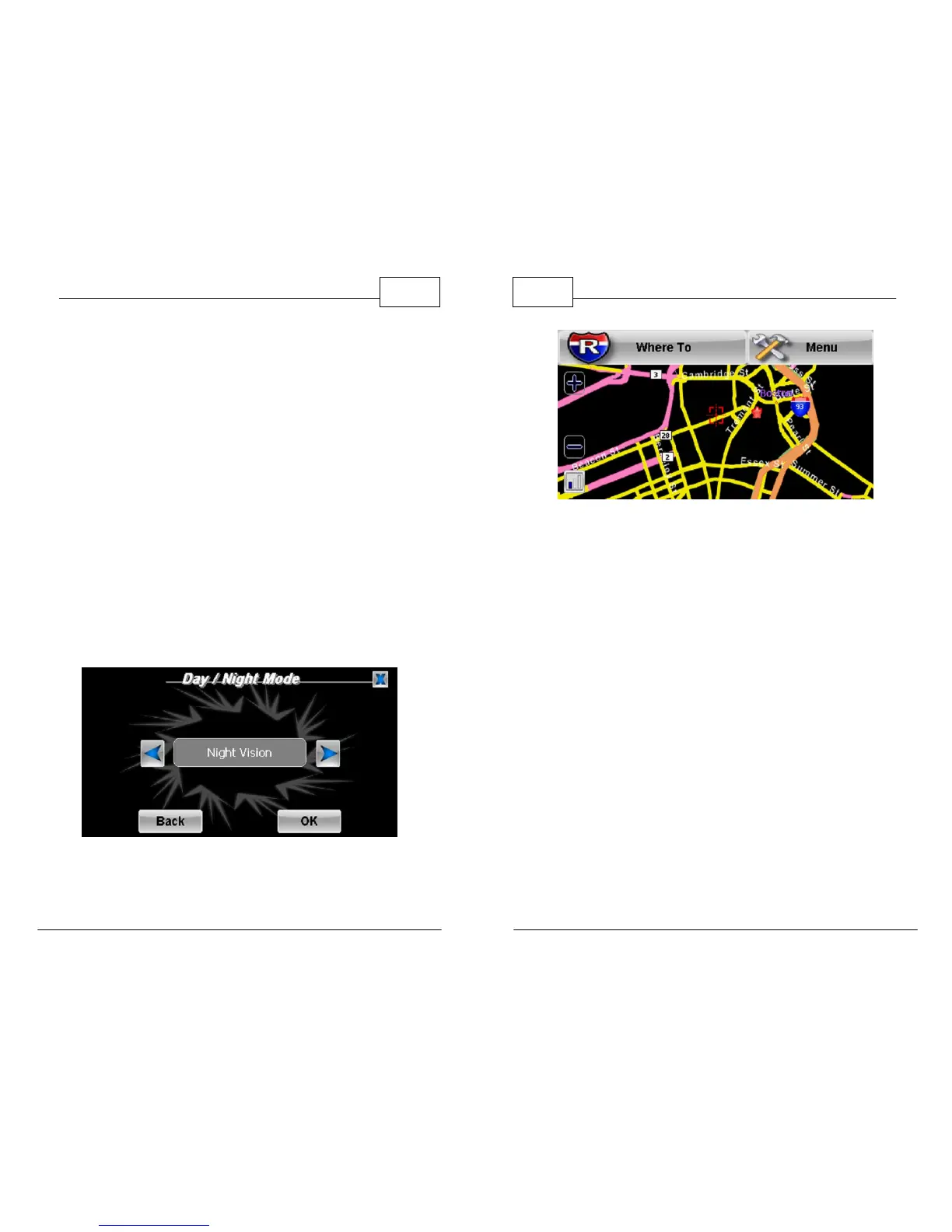
5.2 Day/Night Mode
To avoid distraction while driving at night, you can
adjust your screen settings so the normally bright
background colors change to a black background
with only the roads highlighted.
1. Select <Menu>, right arrow icon and then
select <Day/Night>. You can also select <Auto>
which automatically switches from day to night
(and vice versa) based on your current GPS
position (lat/long). When your preferred mode
is displayed in the text field press <OK> to
apply the setting.
Select Night Vision
WorldNav Navigation Software
120
© 2011 TeleType Co.
Night Mode Map
Note: To adjust screen brightness for differences in day or night
viewing, see the Hardware User Guide.



 To Next Page