© 2011 TeleType Co.
121
Special Features
5.3 Trip Information
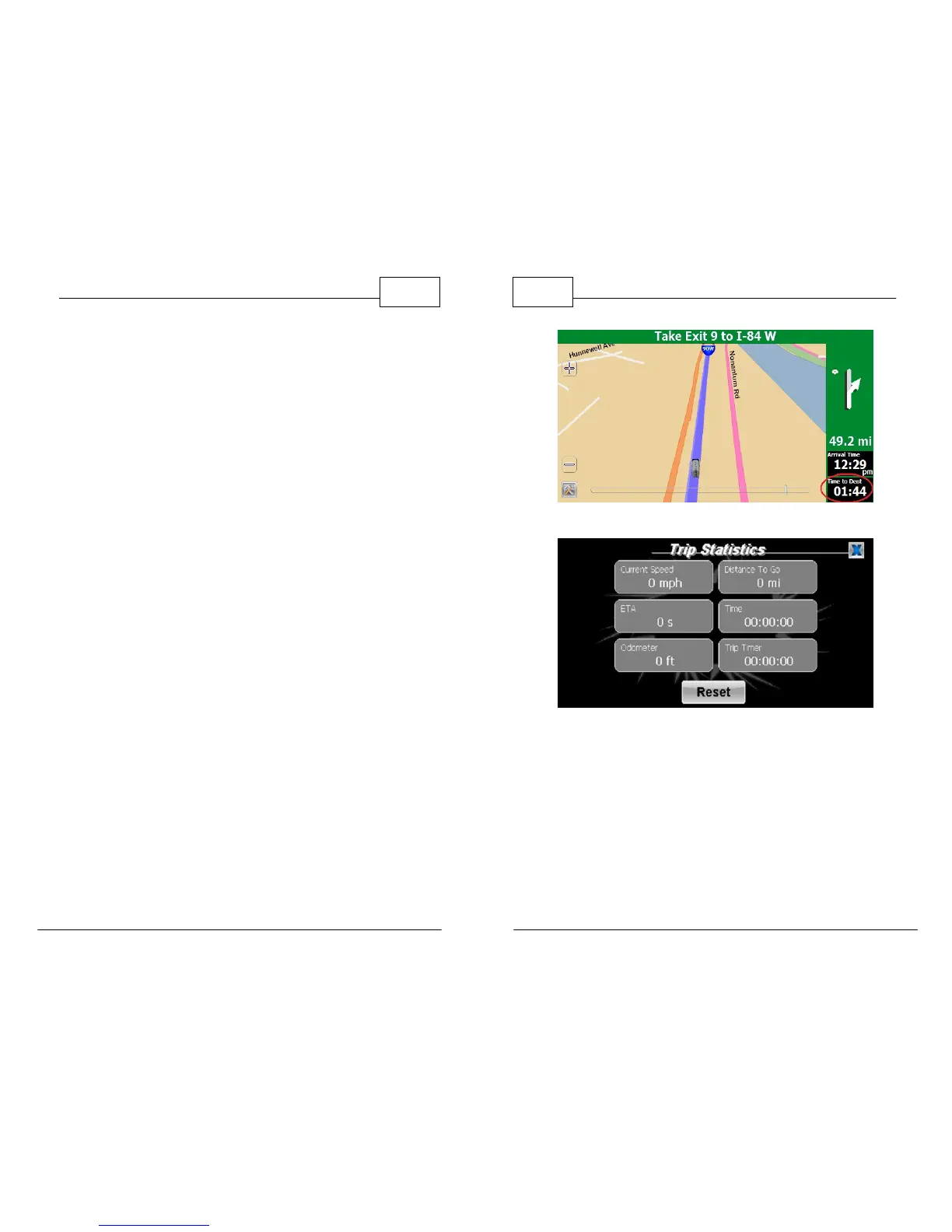
Review trip statistics including speed, distance to
go, estimated time of arrival, time, odometer and
trip timer* simultaneously.
There are two ways to access your current trip
statistics.
1. Press <Menu>, then use the right arrow icon to
get to the third Menu screen and then press
<Trip Stats> to see the Trip Statistics screen.
Note that this screen is a snapshot of the data
within a few seconds of the real time situation.
To configure your navigation screen to show
some of this information, use the Nav Panel
menu to set the desired display.
2. For a quicker way to access your Trip Statistics
while in Map Mode, tap the bottom panel on
the right side (indicated below).
* Trip Timer can be used to monitor total drive time. This feature is
helpful for drivers seeking to limit number of hours driven.
WorldNav Navigation Software
122
© 2011 TeleType Co.
Press Lower Panel Icon
Trip Statistics Screen after Reset



 To Next Page