© 2011 TeleType Co.
123
Special Features
5.4 Loading and Saving a Route
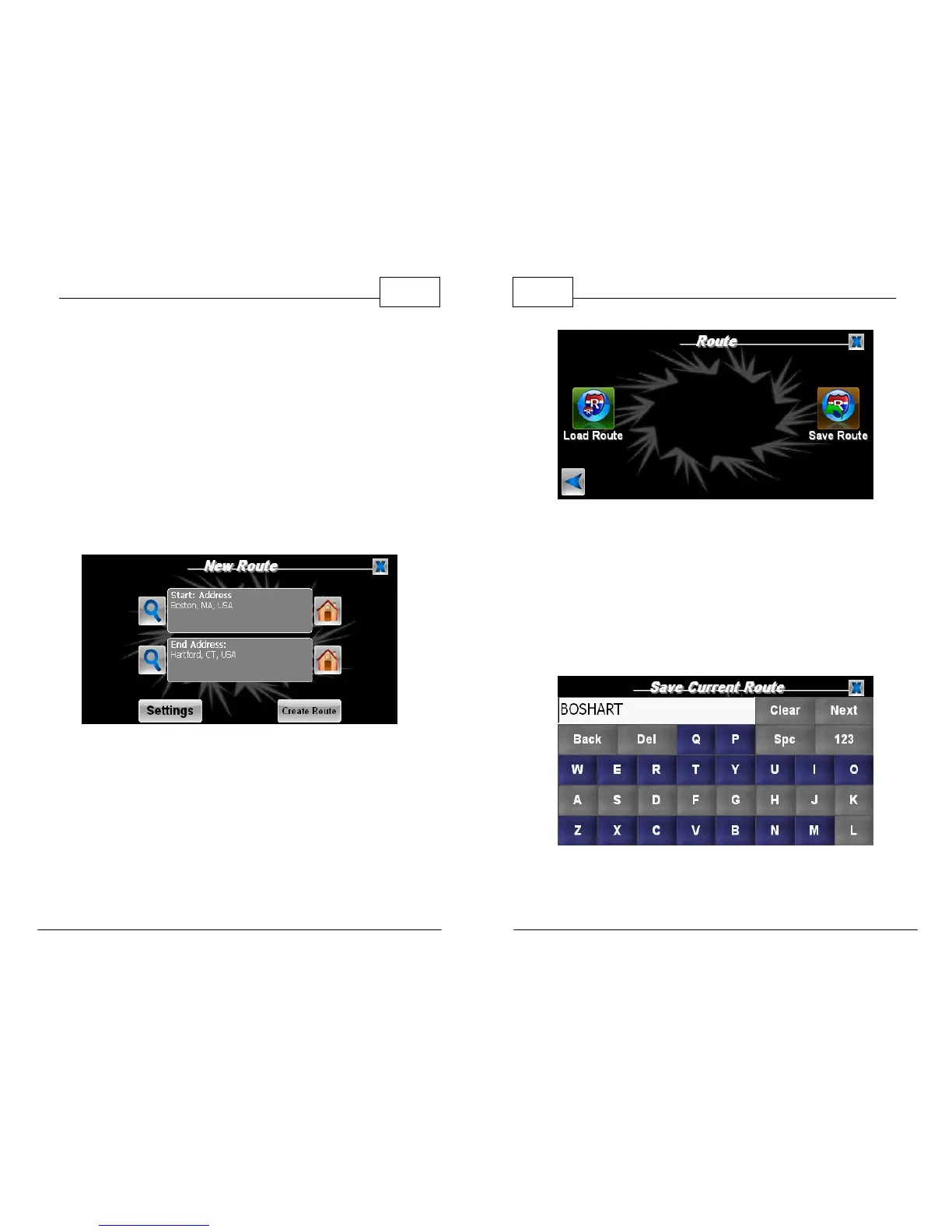
You can load a previously saved route or save your
current route using the Load/Save Route features.
1. Begin by creating a route. Once the route is
created, access your Route Menu. Press the
right arrow twice until you see the Load Route
and Save Route.
Create Route
WorldNav Navigation Software
124
© 2011 TeleType Co.
Load/ Save Route Page
2. To save your current route, click
<Save Route>. Enter a name for your route.
This will save your route as a KML file for future
use. (For more information about KML route
export visit www.teletype.com)
Enter Route Name



 To Next Page