© 2011 TeleType Co.
127
Special Features
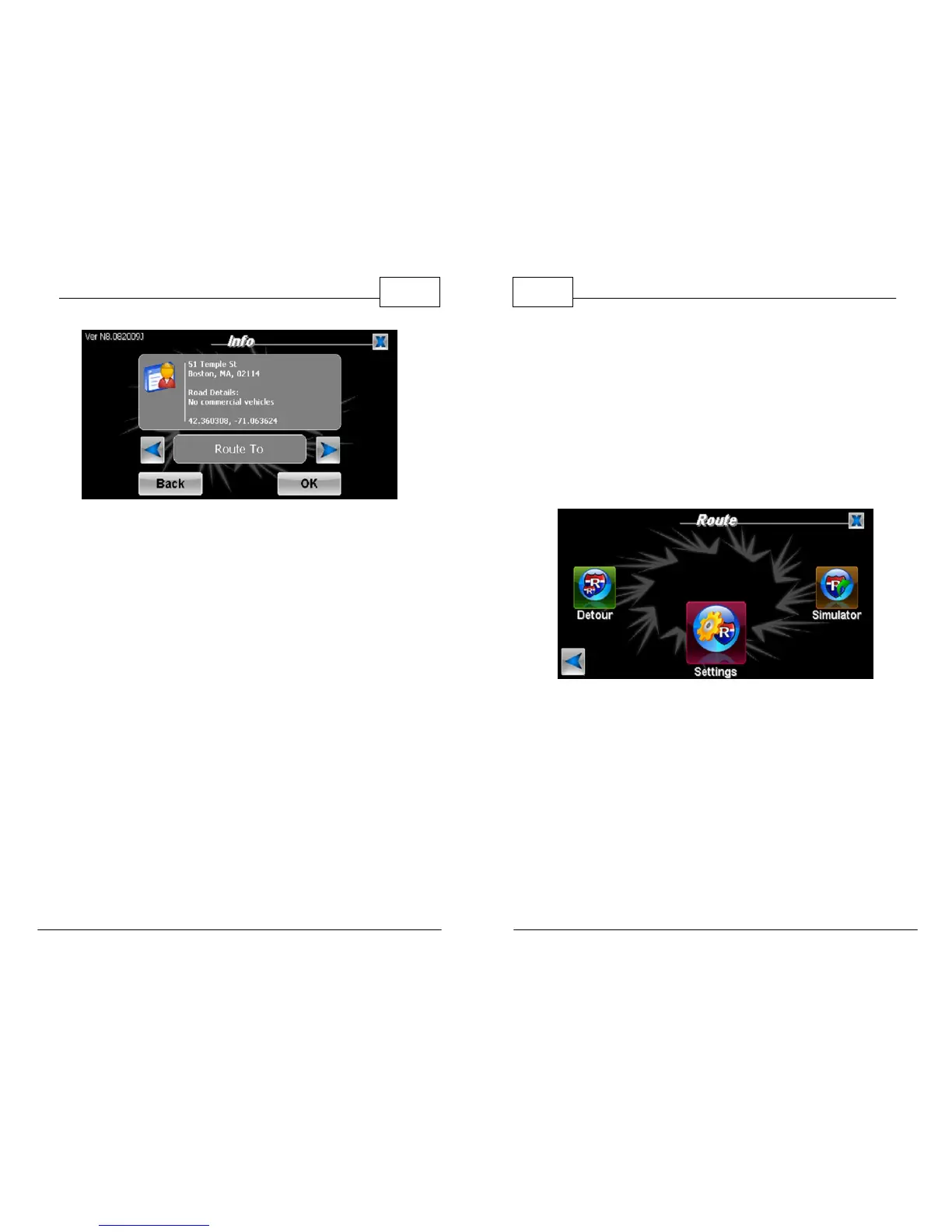
Truck Restriction Info
*You can also access Info by tapping the red crosshairs [+] in the
center of the screen.
WorldNav Navigation Software
128
© 2011 TeleType Co.
5.6 Simulating a Route
You can simulate a previously created route to
preview what it will look like while you are driving.
1. Press <Menu>, <Route Menu>, right arrow
icon and then press <Simulator>.
Select Simulator
2. The simulation will automatically begin. To skip
to a point further along the route drag the
progress bar at the bottom of the screen to
your desired point.



 To Next Page