© 2011 TeleType Co.
129
Special Features
Simulation Mode
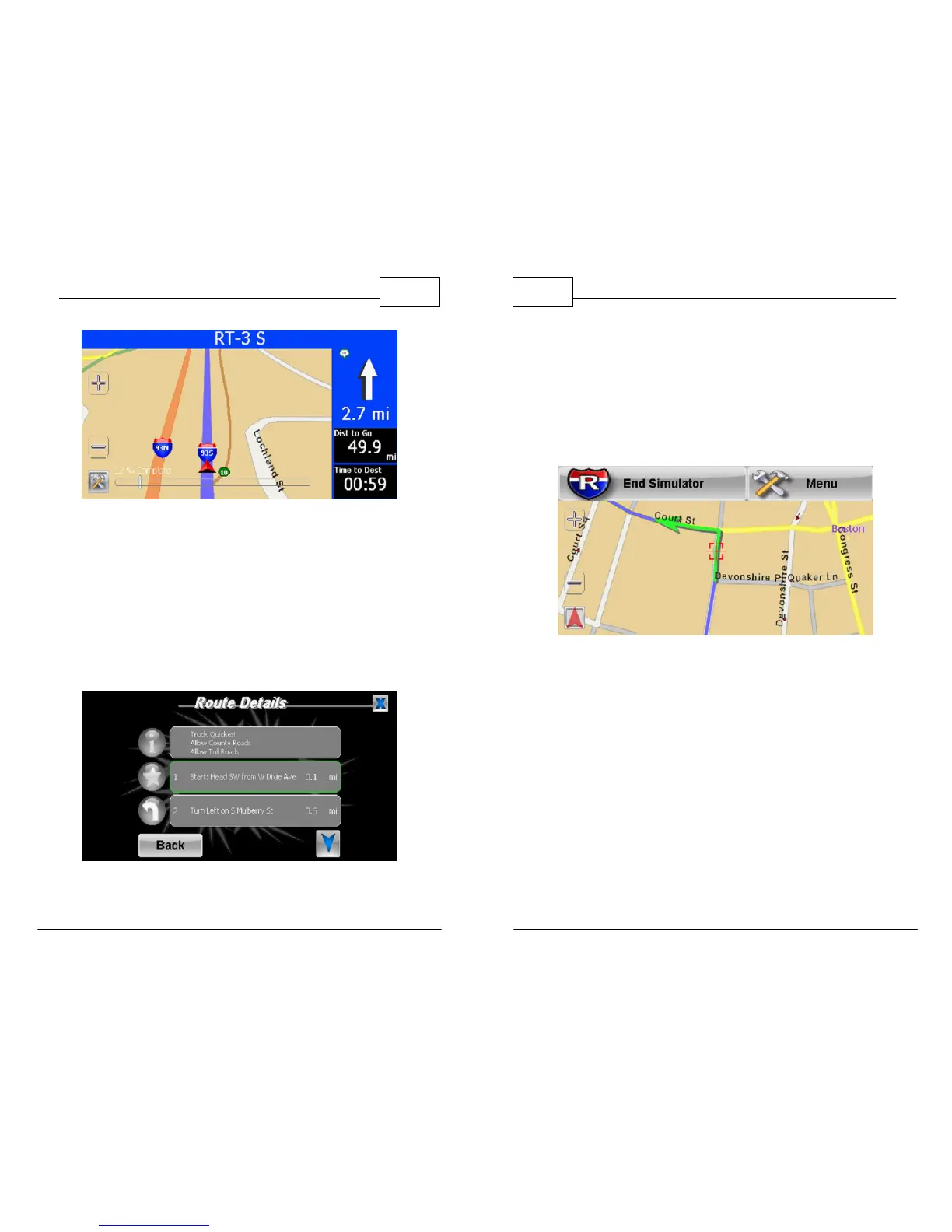
3. At any point during the simulation, you can exit
and then tap on <Menu>, <Route Menu>,
<View Route> and then <Details>. This will give
you the Route Details and will show a blinking
green border around the detail that you are
currently on. (See below)
Highlighted Details
WorldNav Navigation Software
130
© 2011 TeleType Co.
4. To end the simulation, simply tap the screen
once and a menu will appear allowing you to
end the simulation. You may resume the
simulation by touching the faded red arrow in
the bottom left corner.
End Simulation Mode



 To Next Page