23
ENGLISH
User manual
Operating modes
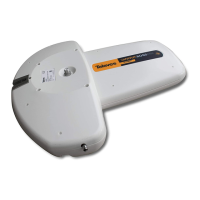
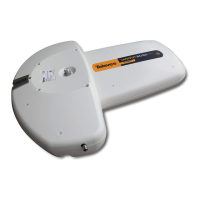
It is possible to turn the amplifier ON or OFF by a push button (fig. 10).
The amplification mode is shown by the two LED´s.
Green LED: when it is ON, both antenna and amplifier are working properly. This is suitable for weak signals (fig. 11 a).
Red LED: when it is ON, the amplifier is not powered. This is suitable for strong signals then can saturate the TV set (fig. 11 b).
Tune your TV set to the local UHF channels of that area. Observe the quality of the picture and then choose the appropriate operating mode
of the antenna active (amplifier powered) or passive (amplifier not powered) (fig. 11 c).
Troubleshooting
FAILURE
LEDs are OFF.
There is neither picture nor sound.
Poor picture.
Other.
CHECK
Is there mains voltage?
Is the battery connection
OK?
Channel not tuned in the TV
set correctly?
Obstacles in front of the
antenna?
ACTION
Check electrical installation.
Check if the red wire is connected to positive and the black one
to negative. If connections are OK, then check the battery condi-
tion.
Tune the TV set to the local TV channels.
Check installation cable and connectors: there might be a short-
circuit
Check that there is DC voltage at the PSU's antenna connector.
Remove the obstacles or change the antenna location.
Consult with you local distributor.




 To Next Page