Advanced Setup
There are sub-items within the System section: Routing, DNS, Static ARP, UPnP, Certificate,
Multicast, Management, and Diagnostics.
Routing
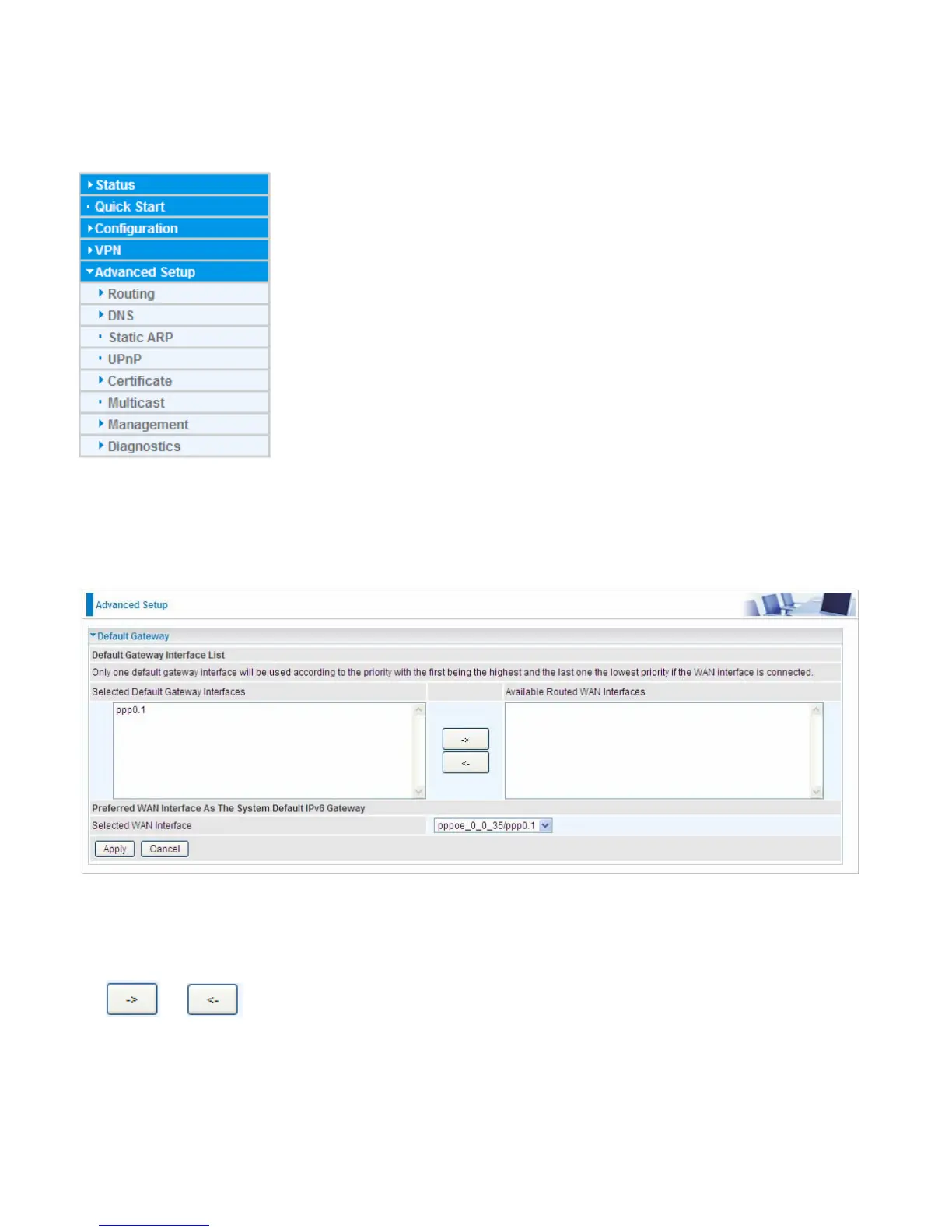
Default Gateway
WAN port: Select the port this gateway applies to.
To set Default Gateway and Available Routed WAN Interface. This interfaces are the ones you have
set in WAN section, here select the one you want to be the default gateway by moving the interface
via or . And select a Default IPv6 Gateway from the drop-down menu.
Note: Only one default gateway interface will be used according to the priority with the first being the
highest and the last one the lowest priority if the WAN interface is connected.



 To Next Page