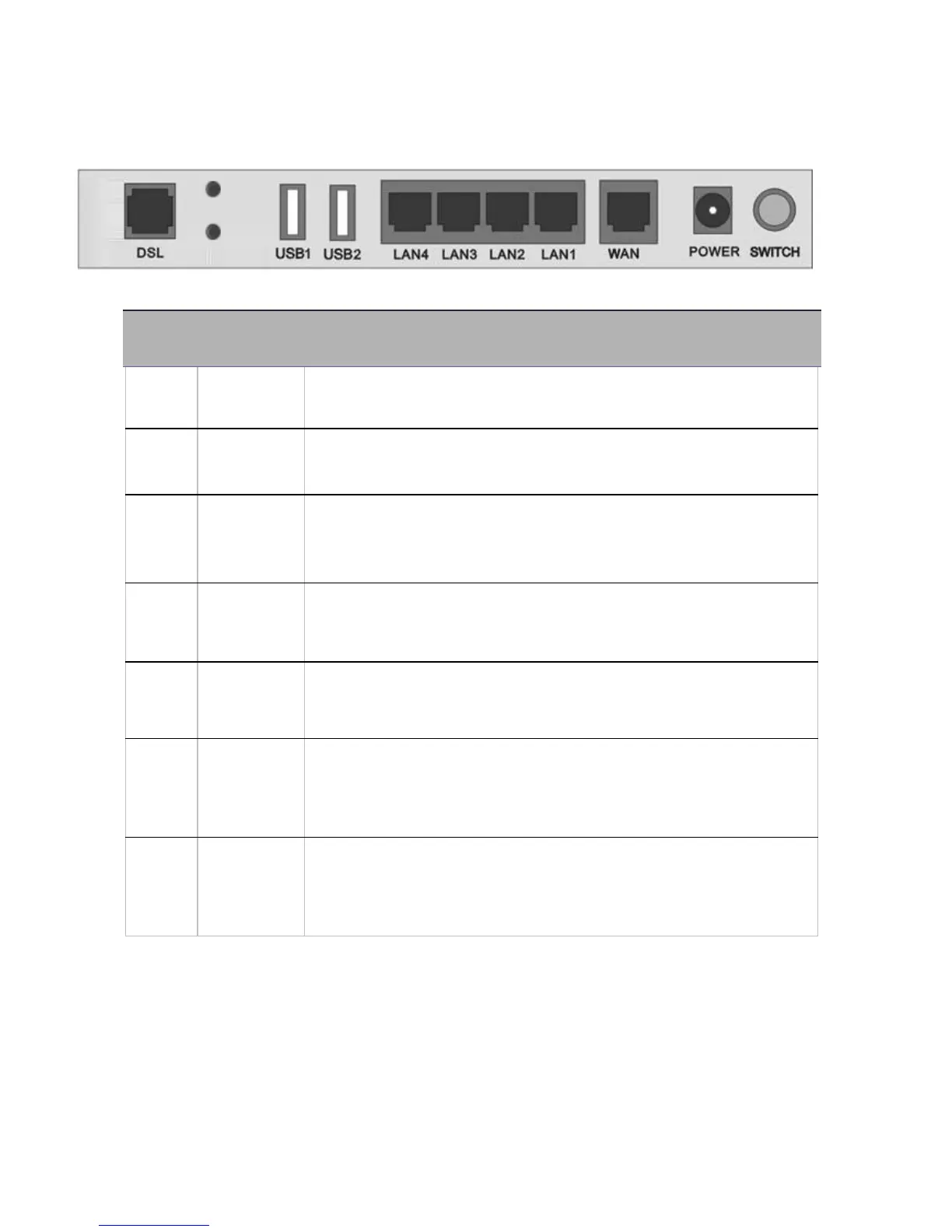
After the device is powered on, press it 5 seconds or above: to
restore to factory default settings (this is used when you cannot
login to the router, e.g. forgot the password)
Connect a UTP Ethernet cable (Cat-5 or Cat-5e) to one of the
four LAN ports when connecting to a PC or an office/home
network of 10Mbps /100Mbps.
Cabling
One of the most common causes of problems is bad cabling or ADSL line(s). Make sure that all
connected devices are turned on. On the front panel of your router is a bank of LEDs. Verify that the
LAN Link and ADSL line LEDs are all lit. If they are not, verify if you are using the proper cables. If the
error persists, you may have a hardware problem. In this case, you should contact technical support.
Make sure you have a line filter with all devices (e.g. telephones, fax machines, analogue modems)
connected to the same telephone line and the wall socket (unless you are using a Central Splitter or
Central Filter installed by a qualified and licensed electrician), and ensure that all line filters are
correctly installed and the right way around. Missing line filters or line filters installed the wrong way



 To Next Page