27
3. Turn the new adapter clockwise to lock it in place.
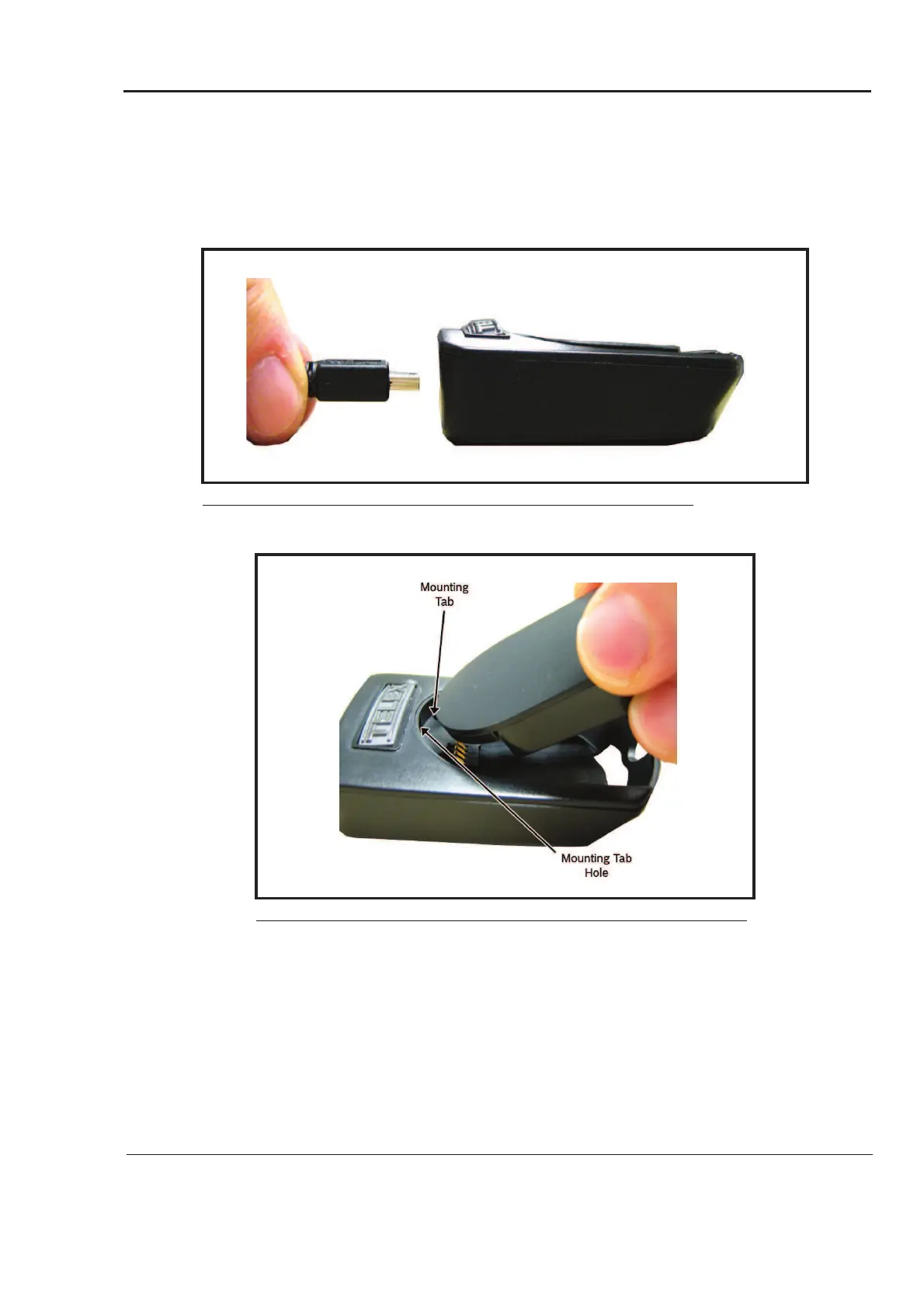
To charge a battery, do the following:
1. Plug the power supply into an electrical outlet.
2. Attach the power supply to the charger.
The LED lights green.
3. Align the mounting tab with the mounting tab hole on the battery charger.
4. Slide the battery module into place.
FIGURE 24. Attach Power Supply to Charger
FIGURE 25. Mounting Tab and Mounting Tab Secure Slot



 To Next Page