Tape Types
The X-Gen stereo model with either XL or Ferrite heads is capable of
using Type II (chrome) tape or Type I (Normal Bias) tape. The table
below describes the sequence needed to set the X-Gen to the tape type
that you are using. When the X-Gen is shut off, it will “remember” the
tape type mode that you selected.
NOTE
The X-Gen is shipped in the Normal Bias mode.
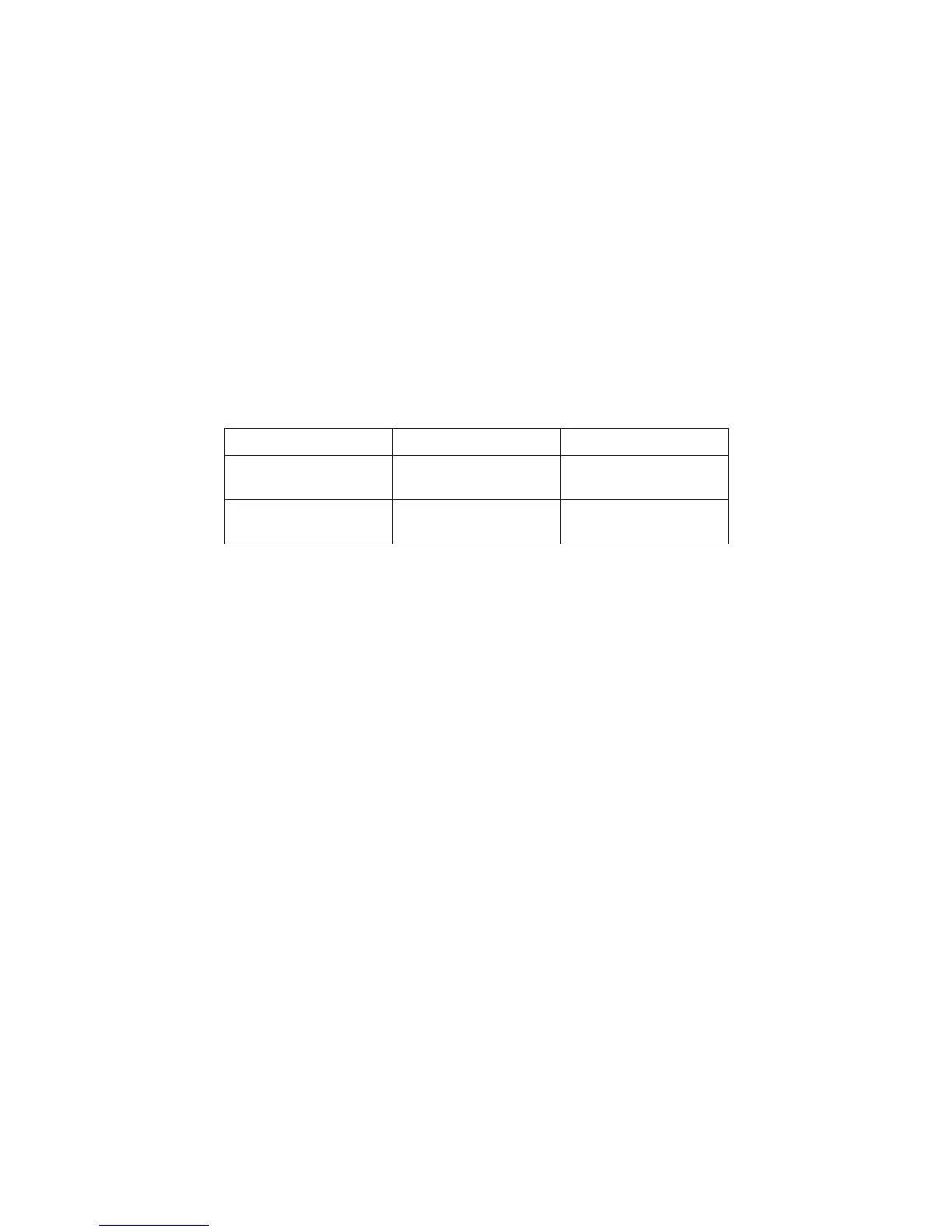
TAPE TYPE SETUP INDICATION
Type I (Normal Bias)
Press and hold
Stop
,
then press
Rewind
Power
light turns red
Type II (CrO2)
Press and hold
Stop
,
then press
Rewind
Power
light turns green
Operating the Control Module as a Copy Module
An X-Gen control module can be used as a copy module when attached
to another X-Gen control module.
To use the X-Gen Control Module as a Copy Module:
Press and hold
Stop
button, then press
Side Select
button.
The
Stop
light will flash between red and green.
To return the module to a Control Module the power must be shut off.
When the unit is powered up again it will be restored as a Control
Module.
6


 To Next Page