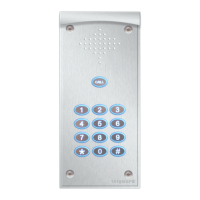
HY-CAN Connection Quick Start
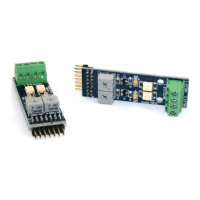
When changing relay modules power off before
inserting. Ensure correct alignment.
Need help?
Call : 01306 710120
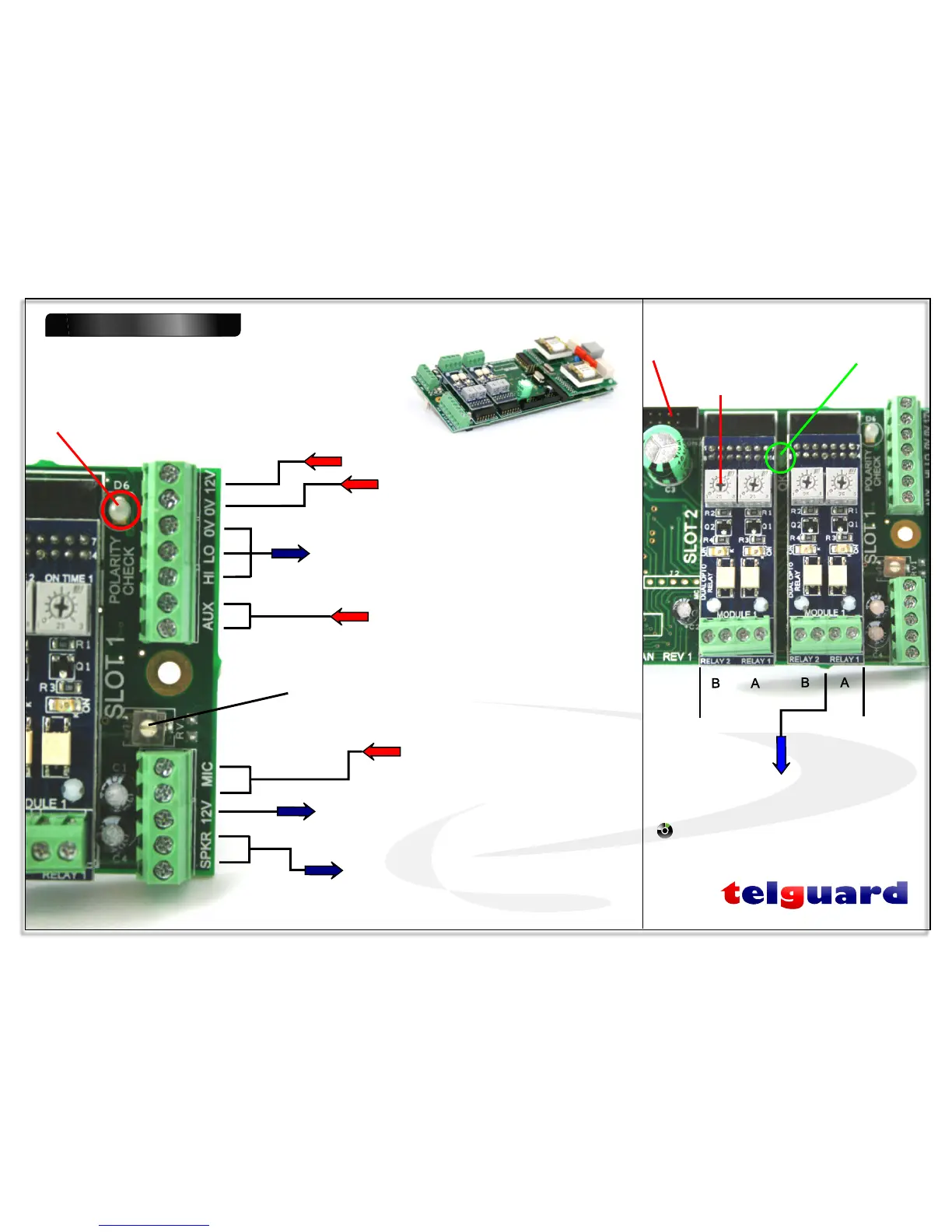
Polarity Check LED
* RED indicates +12v and 0v have been
crossed over.
* GREEN indicates polarity OK
0 V
External CAN bus to / from satellite panels
Wire HI to HI & LO to LO
Isolated input
*Use with volt free relay / switch
+12 V
External mic from satellite panels
Mic gain adjustment (not for satellite panels)
External speaker to satellite panels
12 V to satellite panels
‘OK’ LED
Green flashing indicates
normal operation
Relay SLOT 2
(empty)
Relay SLOT 1
(fitted)
To external equipment
www.doorentry.co.uk
1 of 2 internal CAN bus
Sockets,both wired in
parallel
Strike time adjustments
Page 2 of 7
...access to your home by the tone of your phone...
TM


 To Next Page