5 Enter the PIN number.
a) First press and release the on.off button (one star on the screen).
b) Then press and release the enter button (two stars).
c) Then press and release the dollar sign button (three stars).
d) Then press and release enter button.
6 Setup/ Calibrate will be highlighted, press and release the Enter button.
7 Bills will be highlighted. Press and release the Enter button one time.
8 Use the Bills button to highlight the bill that needs calibrated.
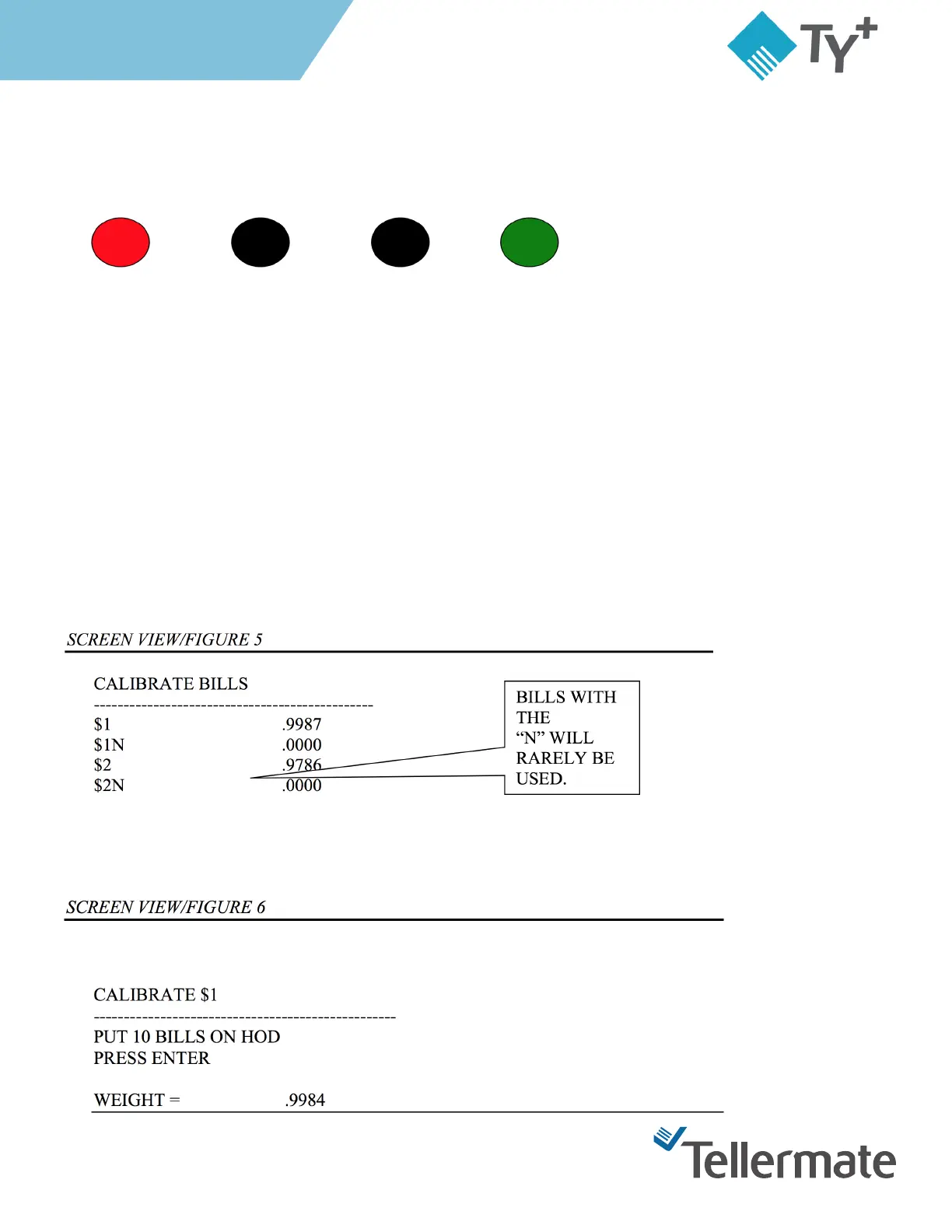
9 Press the Wrap button once. The display will be on the Calibrate Bills screen. The display will show the
denomination on the left side of the screen and the weights on the left. (Figure 5)
10 Press and release the Enter button
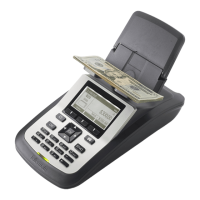
11 The screen will prompt for 10 bills on the HOD. (Figure 6)
On/ O $ Menu Enter



 To Next Page