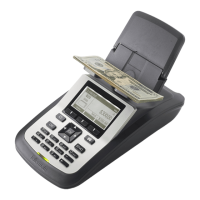
12 After putting ten bills on the HOD, press and release the Enter button.
13 The screen will prompt to add five to ten more bills on the HOD.
a) Continue with increments of five bills until the screen displays the message Calibration Completed.
b) Save New Weight will be highlighted, press Enter. The screen will say Clear HOD Then Remove Bills.
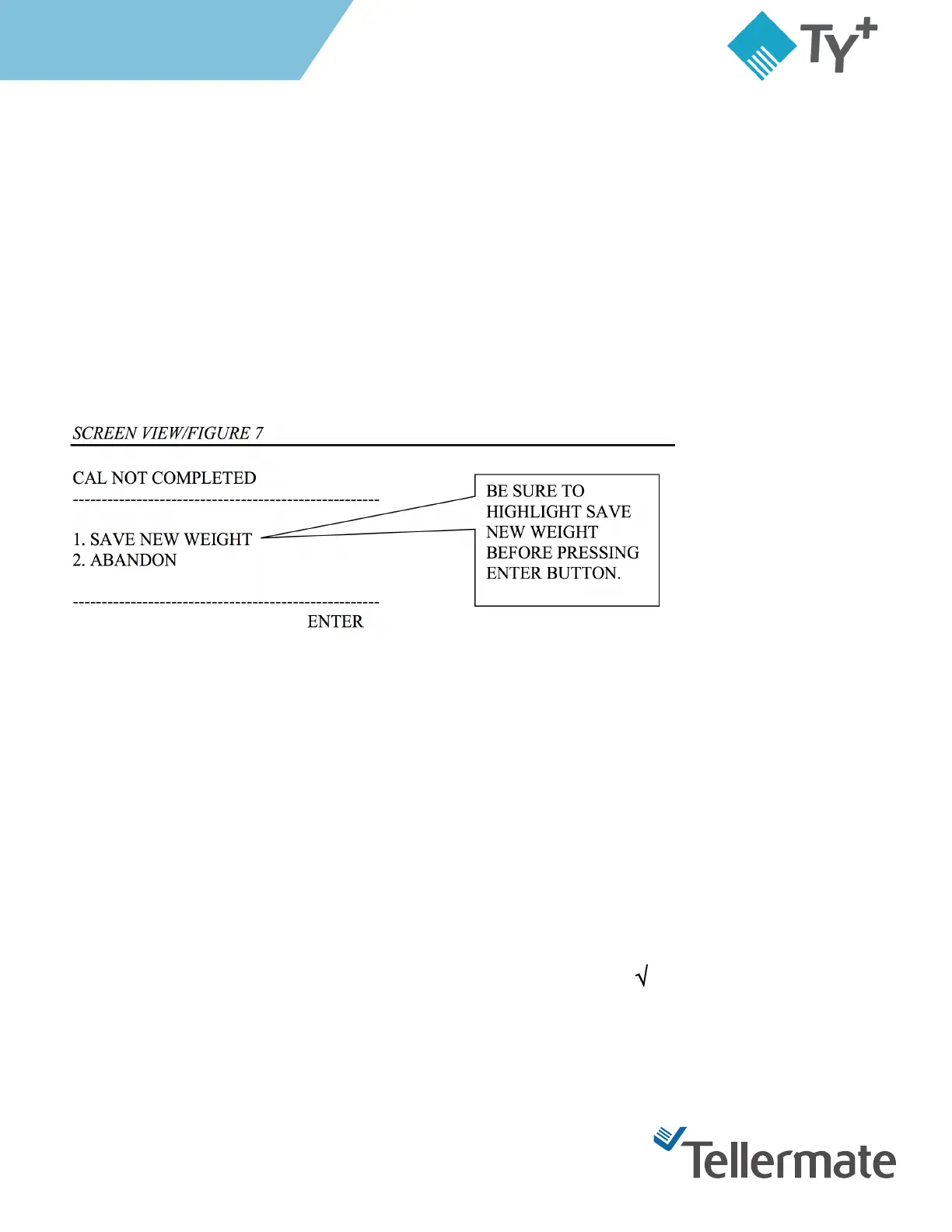
14 (Note) If you run out of increments of five bills, them remove the money form the HOD. The display will say
Save New Weight or Abandon. Highlight Save New Weight then press and release Enter. (Figure 7)
15 When finished, press and release End until you get to the Select Task screen.
Turning on the Printer in Program
1 Start on the One Cent display in the function you want to print from.
2 Press and release the Menu button.
3 Options is highlighted, press and release the Enter button.
4 Press and release the Bill button until the Printer Option is highlighted.
5 Press and release the Enter button.
6 In the Setup Printer screen, press the Menu button to give the Printer a " " which turns the printer on. To
turn it off press and release the Menu button until you get an "X" on the screen.
7 Press and release the End button three times.



 To Next Page