13
Handset batteries installation
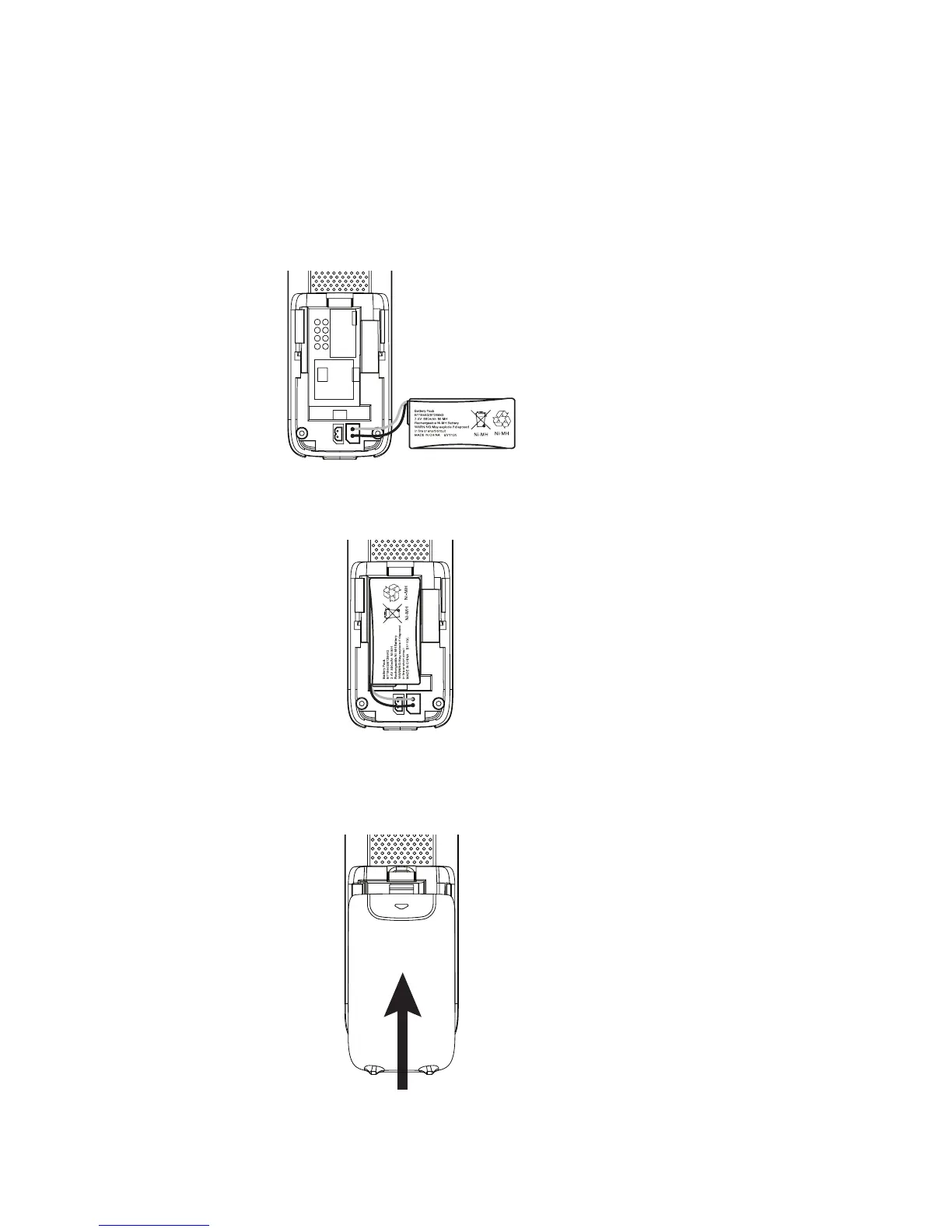
Slide open the battery compartment cover to t the NiMH battery into the
handset. Plug the battery connector securely into the socket, matching the
orientation of the engraved label.
Place the supplied rechargeable battery with the label THIS SIDE UP facing up
and the wires inside the battery compartment.
Slide the battery compartment cover towards the center of the handset until it
clicks into place.
1.
2.
3.



 To Next Page