18 19
Getting to know your phoneGetting to know your phone
4. SKIP FORWARD
During message playback:
press to skip to the next message.
5. CHARGING LED
Steadily On:
when the handset is put into base cradle for
charging.
6. VOLUME –
During message playback:
press to decrease the speaker volume.
In idle:
press to decrease the base ringer volume.
7. VOLUME +
During message playback:
press to increase the speaker volume.
In idle:
press to increase the base ringer volume.
8. PLAY/ STOP
In message playback mode:
press to playback or stop playing messages.
9. CHARGING CRADLE
10. ANSWER ON/OFF
Press to switch the answering machine on/off.
11. PAGE
Press to page all registered handsets.
12. SPEAKER
13. BASE ANTENNA
Message counter display
Display Description
0F->--
When answering machine is OFF.
- - When answering machine is OFF and
no new TAM messages received.
0F/XX
Flashing
XX
alternatively with
OF
:
Answering machine is OFF and there
are XX new voice messages received
where XX is from 01 to 59.
0N->XX
When answering machine is ON where
XX is number of messages in TAM
memory.
00
Steadily ON: No voice messages in
TAM.
XX
Flashing: There are XX new voice
messages received where XX is from 01
to 59.
ZZ
Steadily ON: There are ZZ old voice
messages kept in the TAM memory (no
new voice messages).
Display Description
XX/FF
Flashing
XX
alternatively with
FF
:
There are XX new voice messages
received where XX is from 01 to 59 and
the TAM memory is full.
FF
Flashing
FF
: TAM memory is full and
there are no new messages, only old
messages are kept in TAM memory.
--/XX
Flashing
XX
alternatively with
--
: Time
is not set and there are XX new voice
messages received where XX is from 01
to 59.
--
Flashing
--
: Time is not set and there
are old voice messages kept in the TAM
memory only (no new voice messages).
XX
Steadily ON: Playing the current XX
incoming message.
A1
Steadily ON: Playing the current
outgoing message (OGM).
XX/AN
Flashing
XX
alternatively with
AN
:
XX new incoming message is now
recording.
AN
denotes that the
incoming message recording is in
progress.
RA
Flashing: Remote access is in progress.
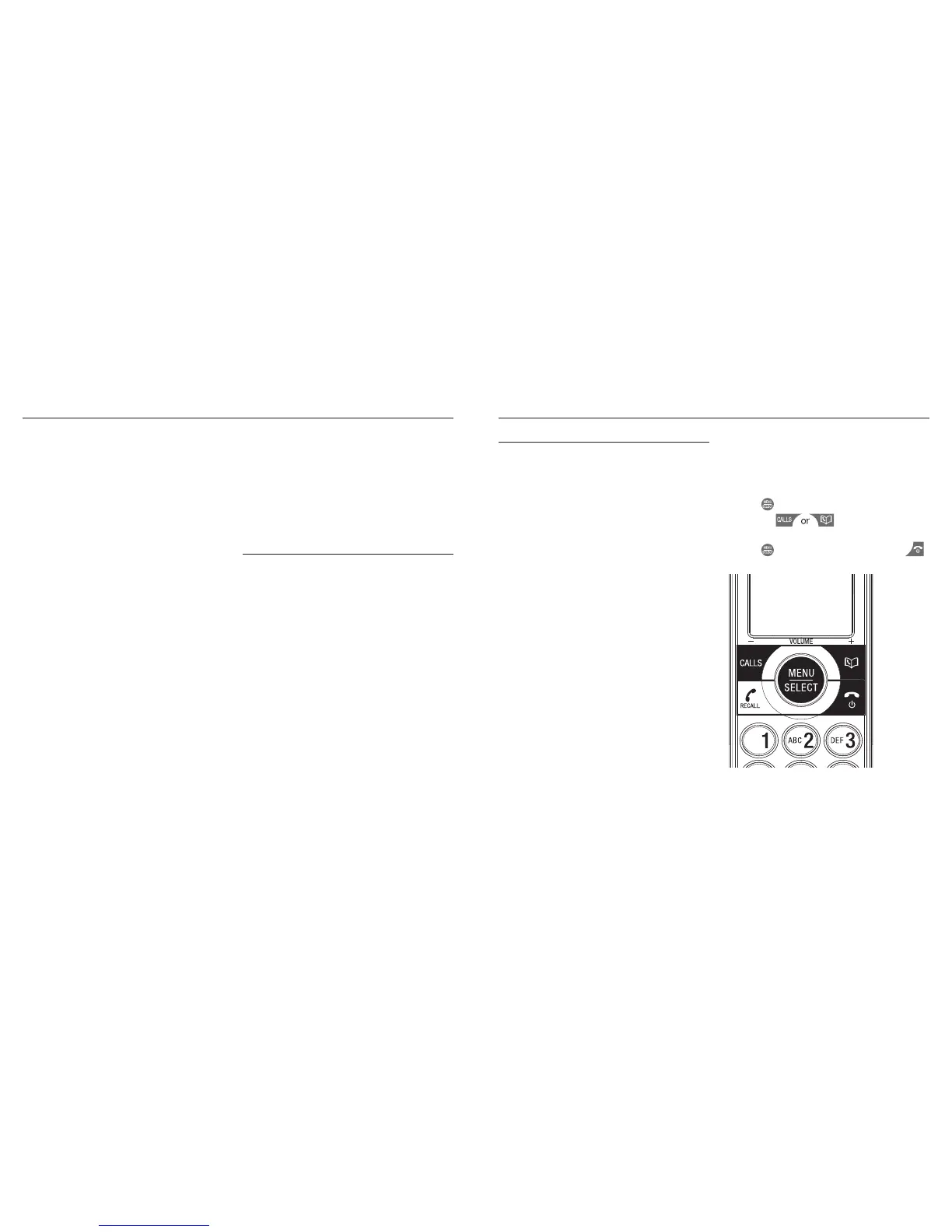
Navigating the menus
Your Telstra Long Range 9750 has an easy to use
menu system. Each menu has a list of options,
as outlined on the following page. When the
handset is switched on and in standby:
1. Choose
to open the main menu.
2. Then press
buttons to move
through the available options.
3. Choose
to select a menu option or the
to return to the previous screen.



 To Next Page