FUNCTIONS DURING A CALL, PRESS OPTIONS:
During a call when you move the handset away from your ear the
screen lights up. Use the buttons for the features described:
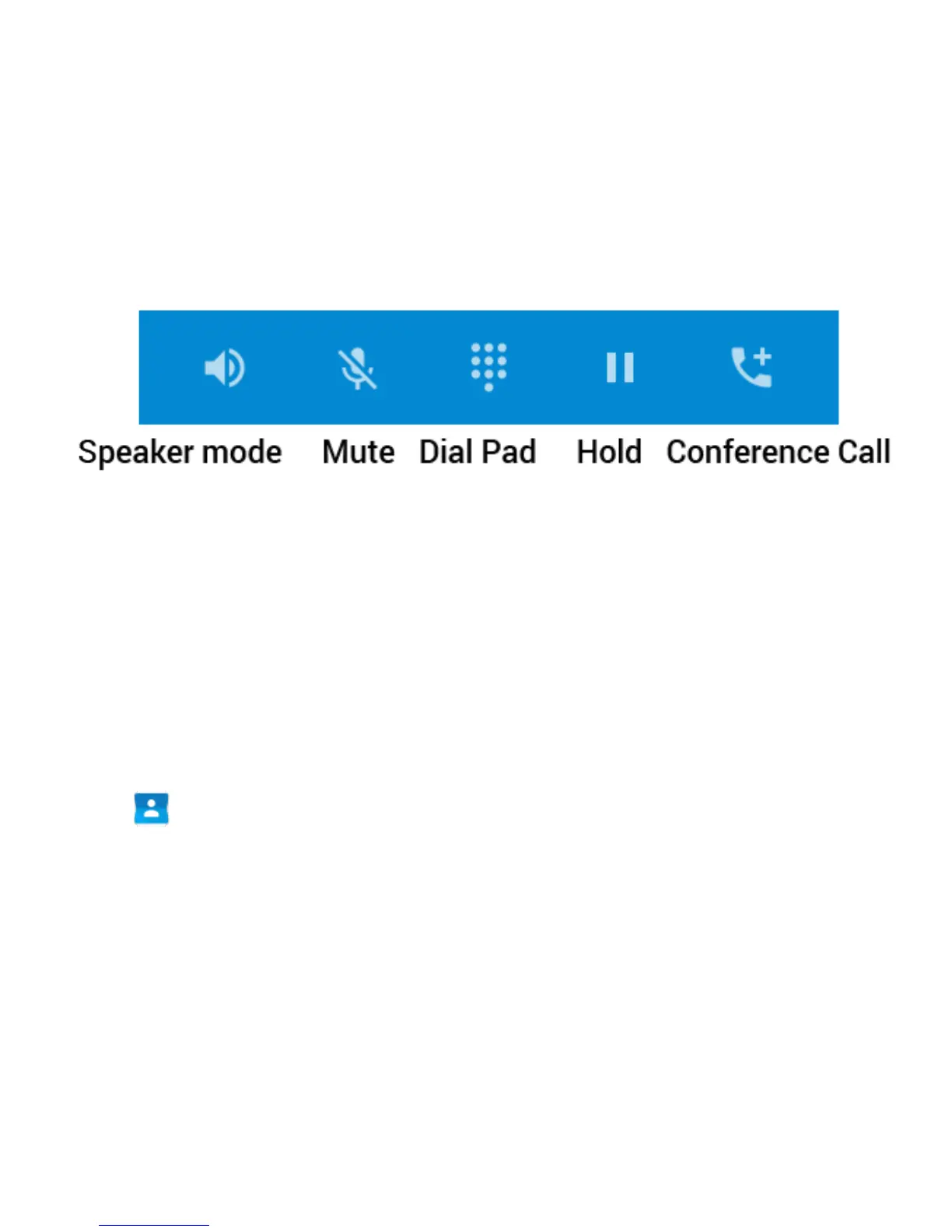
Speaker – Use Handsfree, Speaker mode
Mute – Mute the microphone
Dial Pad – enter DTMF tones
Hold – Place the caller on Hold
Conference – Dial in another party, the first call is put on hold.
MAKE A CALL FROM CONTACTS
• Tap from the Home Screen. Contacts are displayed in alphabetical
order.
• Slide up or down to scroll through your Contacts list.
• Tap to select the Contact then tap to call.



 To Next Page