EasyManua.ls Logo

Telstra BUZZ - Phone Calls

Telstra BUZZ
133 pages
Print Icon
To Next Page IconTo Next Page
To Previous Page IconTo Previous Page
Loading...
22
Printing
Interfaces your handset to Google Cloud Print so
you can print directly from your device to any
printer located ‘in the cloud’
About Phone
Access Storage card updates, Status, software
version information and others.
PHONE CALLS
MAKE A CALL FROM THE DIALER
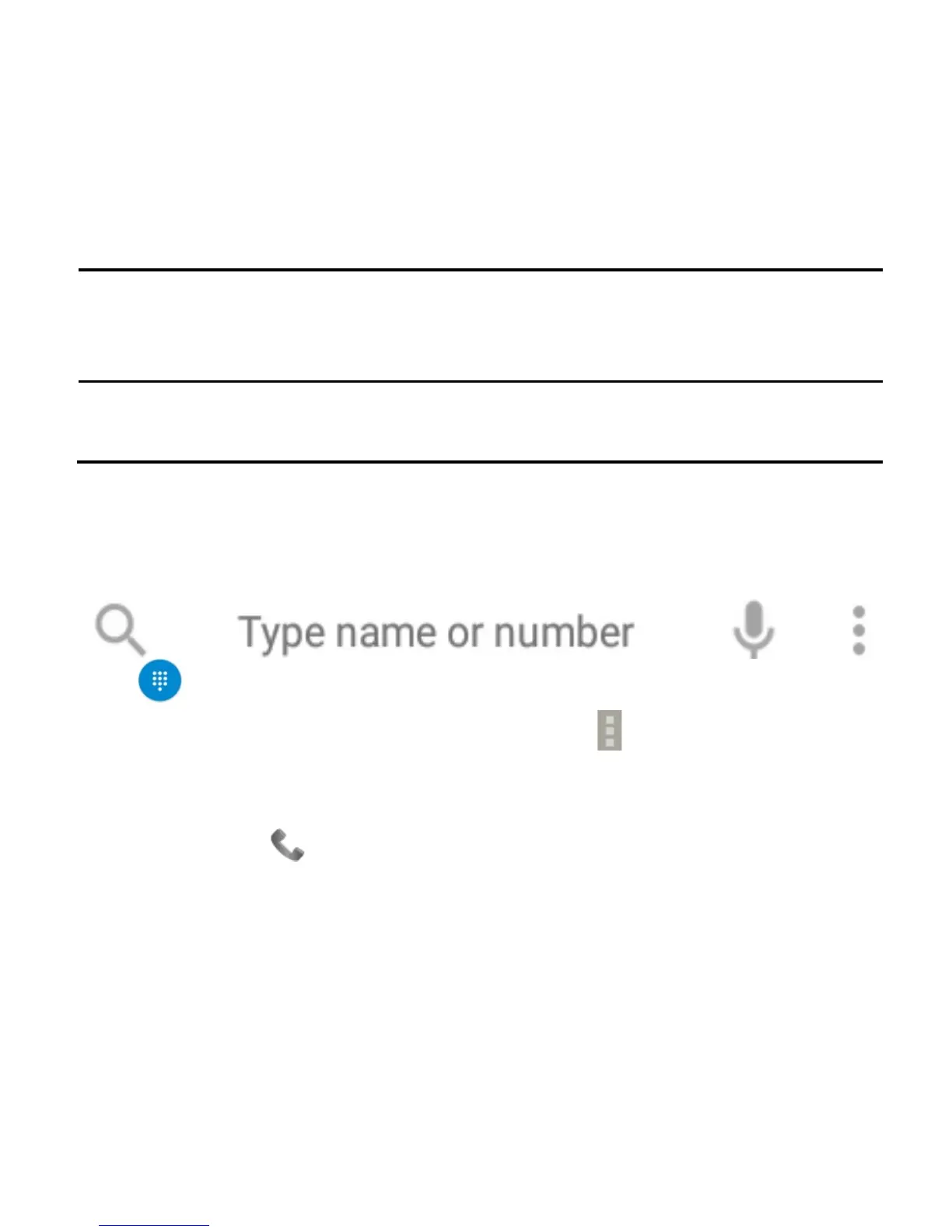
Press for the Dial pad or tap Search, type a name or number, tap
the Mic to speak a number or press Options (see later)
Tap numbers on the dial pad or select from Call Logs or Favourites
displayed on screen.
Tap the call key to make the call.
Press End to end the call.

Table of Contents

Related product manuals