EasyManua.ls Logo

Telstra BUZZ - Get Around; Nexus Navigation Buttons

Telstra BUZZ
133 pages
Print Icon
To Next Page IconTo Next Page
To Previous Page IconTo Previous Page
Loading...
Your
Android
device’s
battery
is
built
to
get
you
through
your
day.
When
you’re
running
low,
Android’s
battery
saver
conserves
your
battery
power
so you can
still
make
calls
and
send
SMS
(text)
messages.
To
turn
it
on,
go
to
Settings
>
Battery
>
Battery
saver.
For
more
information,
visit
Manage
battery
life.
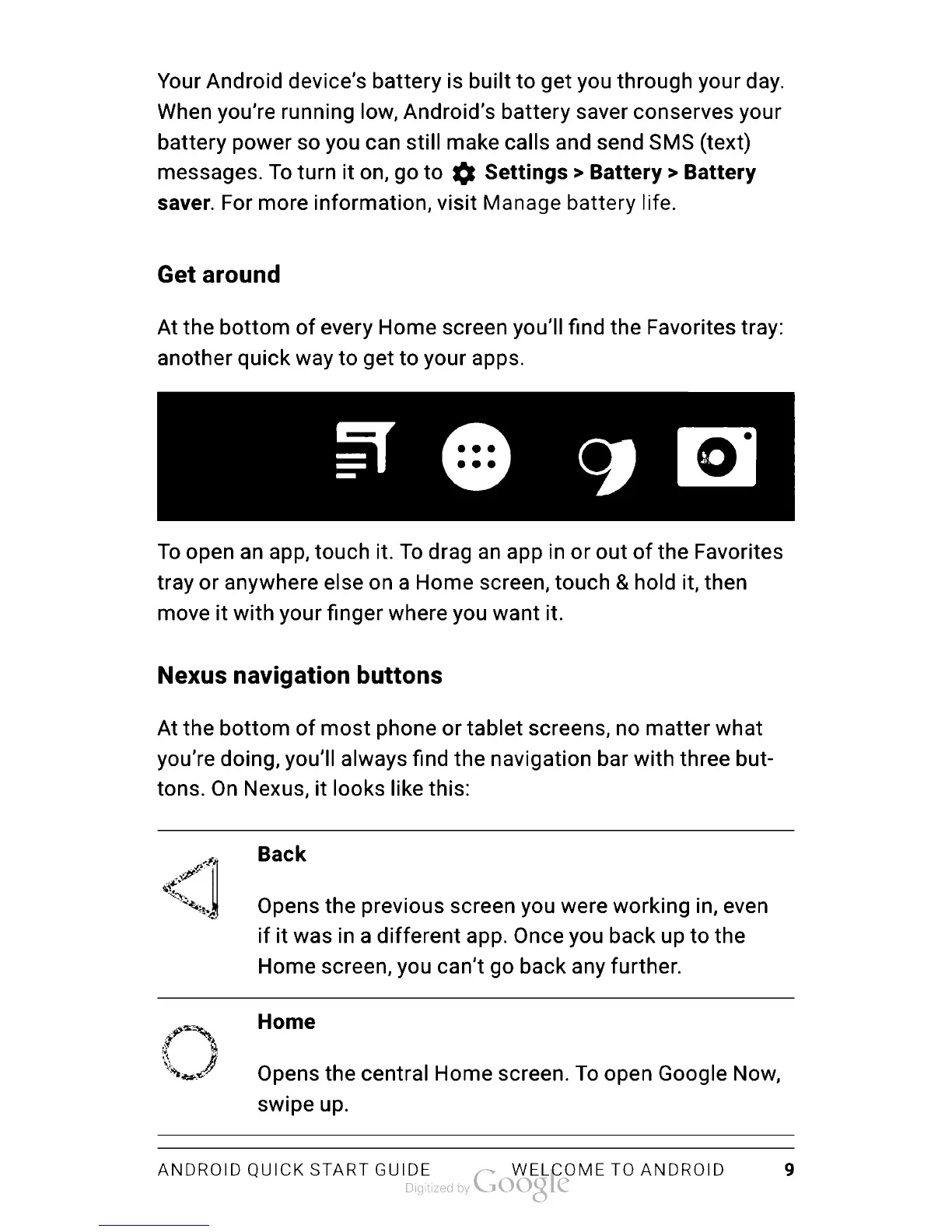
Get
around
At
the
bottom
of
every
Home
screen
you’ll
find
the
Favorites
tray:
another
quick
way
to
get
to
your
apps.
To
open
an
app,
touch
it.
To
drag
an
app
in
or
out
of
the
Favorites
tray
or
anywhere
else
on
a
Home
screen,
touch
&
hold
it,
then
move
it
with
your
finger
where
you
want
it.
Nexus
navigation
buttons
At
the
bottom
of
most
phone
or
tablet
screens,
no
matter
what
you’re
doing,
you’ll
always
find
the
navigation
bar
with
three
but
tons.
On
Nexus,
it
looks
like
this:
Back
Opens
the
previous
screen
you were
working
in,
even
if
it
was
in
a
different
app.
Once
you back
up
to
the
Home
screen,
you
can’t
go
back
any
further.
Home
Opens
the
central
Home
screen.
To
open
Google
Now,
swipe
up.
ANDROID
QUICK
START
GUIDE
WELCOME
TO
ANDROID
9

Table of Contents

Related product manuals