MAKING AN INTERNATIONAL CALL
• Press the Call Key on the home screen to open the dialer.
• Hold down the 0 key to enter the ‘+’ symbol for International Dialling
• Enter the full phone number.
• Tap to make the call.
• Press End to end the call.
ANSWER AN INCOMING CALL
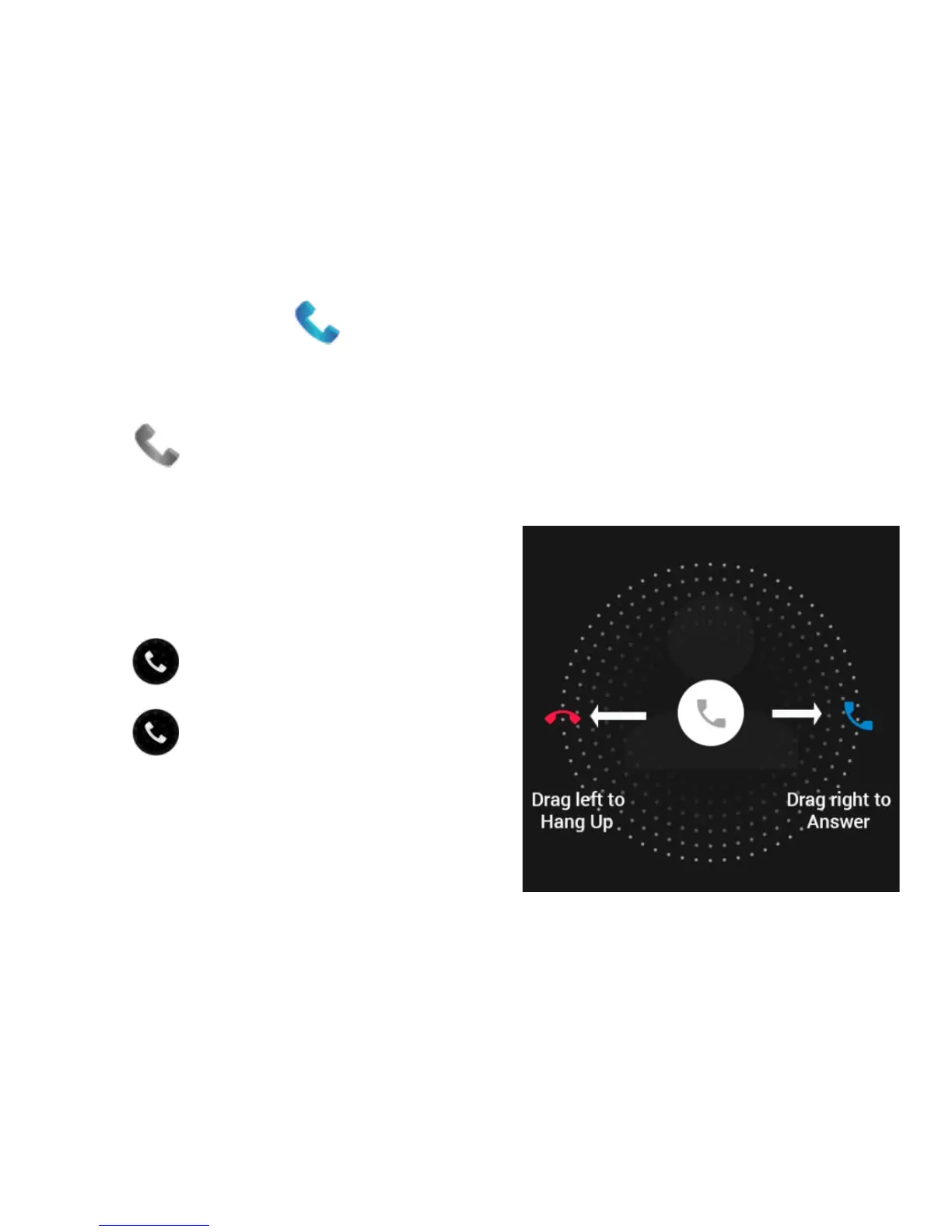
An incoming call presents two options:
Drag right to answer the call
Drag left to reject the call.



 To Next Page