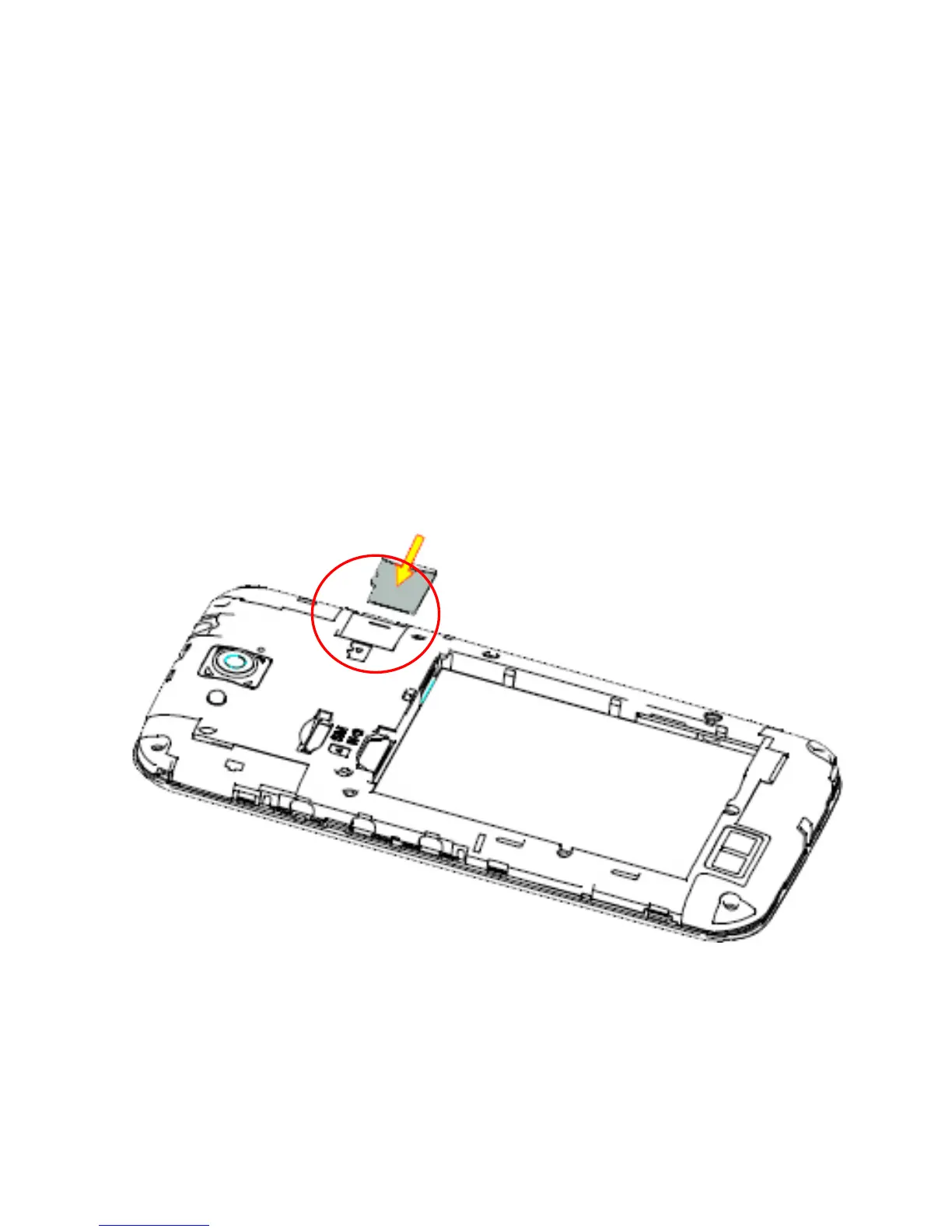
Install a microSD Card (optional)
A microSD card can be installed or removed while the phone is turned on. You
need to unmount the microSD card before removing it. The device supports
microSD(HC) cards up to 32GB.
1. Remove the back cover.
2. Hold your microSD card with the metal contacts facing down and push in
until it clicks into place.



 To Next Page