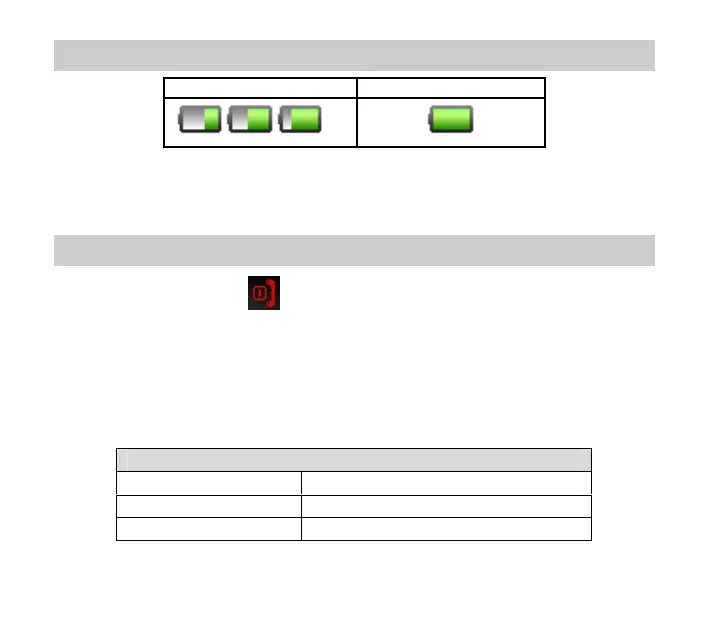
2.4 Battery level indicator
Charging Charged
The phone will give an audible alert when battery is low and display a low battery
message on screen. Please recharge the battery promptly to maintain service.
2.5 Switch your phone On
Press and hold the red key for 2 seconds to switch the phone on. Enter the PIN
code supplied with your SIM card. Press the green key (OK) to enter.
Warning: If you enter the wrong code three times your SIM card will be locked. The
phone will request you to enter the PUK code. Contact your service provider to obtain
the PUK code if required.
If your handset displays:
PIN: Enter the PIN supplied with your SIM card.
Limited Service Check the SIM card is inserted correctly.
Enter PUK code Contact your Service Provider.
11



 To Next Page