Select the required Alarm or Reminder function from the available options.
Select Add > Edit to enter a name (optional).
Press the down arrow to select the time field (hh:mm), press Change to enter the
alarm time.
Press the down arrow to select the date field (dd.mm – when applicable), press
Change to enter the required date.
Press Done to save the alarm when finished.
If the phone is switched off the alarm function will power on the phone.
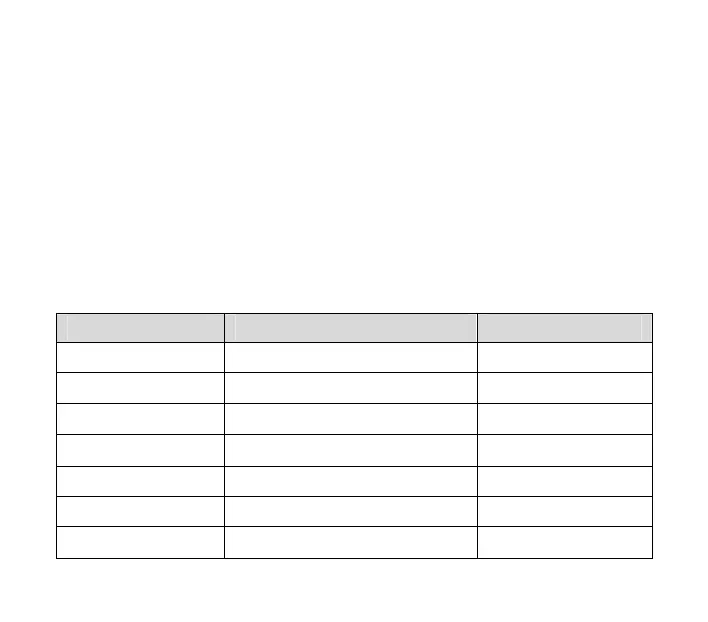
Alarm Name Required Fields Alarm Type
Birthdays Set the Name, Time and Date Annual
Important Dates Set the Name, Time and Date Annual
Medication Set the Name, Time Daily
Getting Up Set the Name, Time Daily
Entertainment Set the Name, Time Daily
Count Down Set the Name, Countdown time Once
Others Set the Name, Time, date, repeat Set by the user
28



 To Next Page