3.7 PHONE BOOK
You can save names and numbers to the phone memory and the SIM card.
Press the Menu key or the Down arrow key then OK to select Phone Book.
• Select
Phone Book > Quick Search to view the phone book. Input the
first letters of the name, the phone will list the corresponding records.
• Select
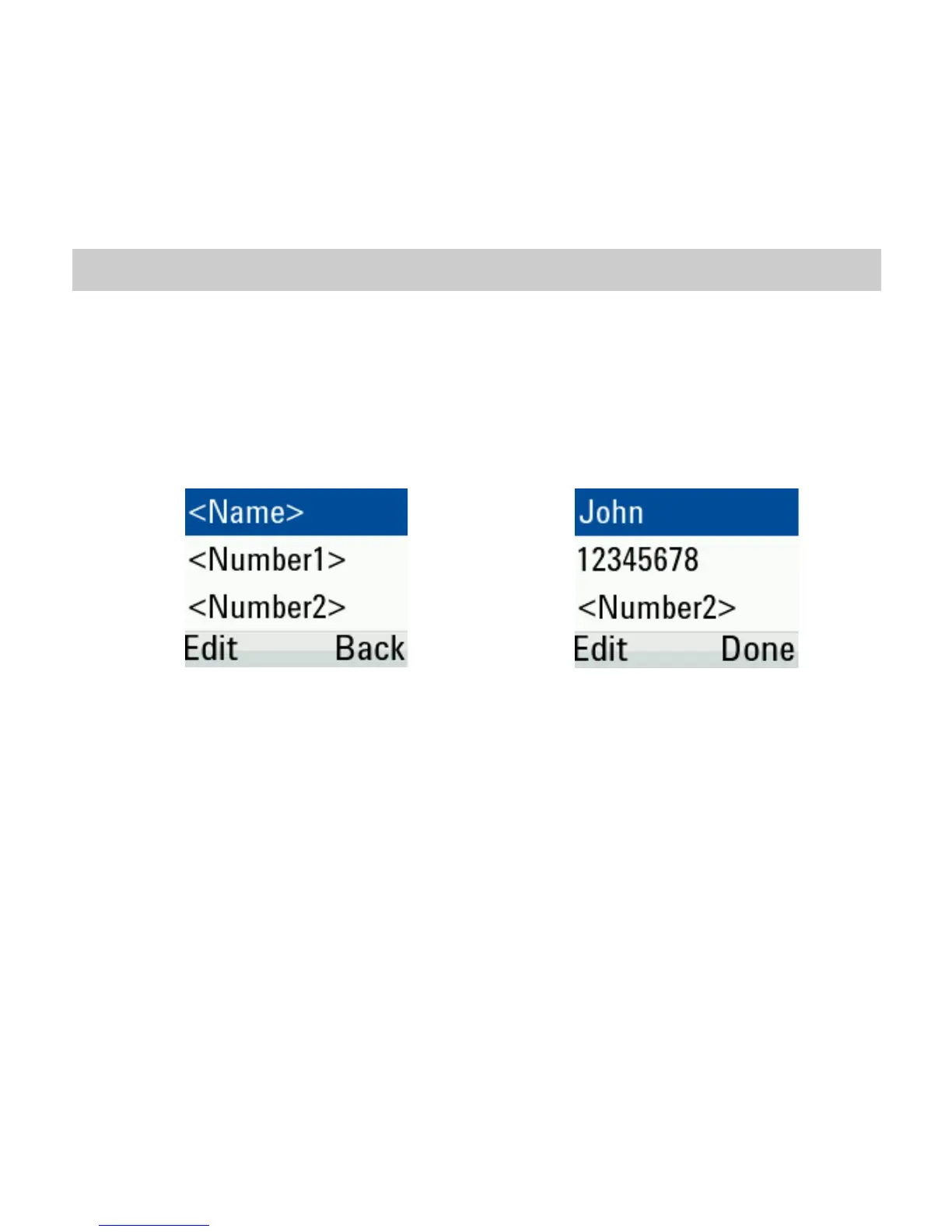
Phone Book > Add New Contact to add a new contact to the
SIM or phone. Press Edit then enter the details in each field:
• Select
Phone Book > Delete All to delete all contacts from the phone
or SIM. Or select
Option > 4.Delete in phone book list to delete the
contacts one by one.
• Select
Phone Book > 4.Copy All or 5.Move All to copy or move all from
SIM to phone or phone to SIM.
• Select
Phone Book > 7.Memory Status to view SIM card or phone
memory status.
• Select
Phone Book > 6.My Number to enter or view your own number.



 To Next Page