HOW TO RECEIVE AN EMAIL
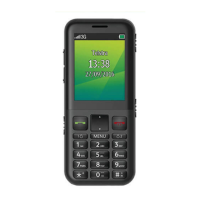
• Menu > Messages > arrow right to Email > Inbox > Retrieve
• New Email messages are delivered to the handset
HOW TO SET UP AUTOMATIC RETRIEVAL
• Menu > Messages > Email > Settings > Automatic Retrieval
• Set your required time interval to check the server for new Email
messages.
WHAT ARE USER FOLDERS?
User folders can be used to file your incoming SMS, MMS and Email
messages
• Menu > Messages > User folders or
• Menu > Messages > Email > User folders
• Rename your folders if required eg Work, Personal etc.


 To Next Page