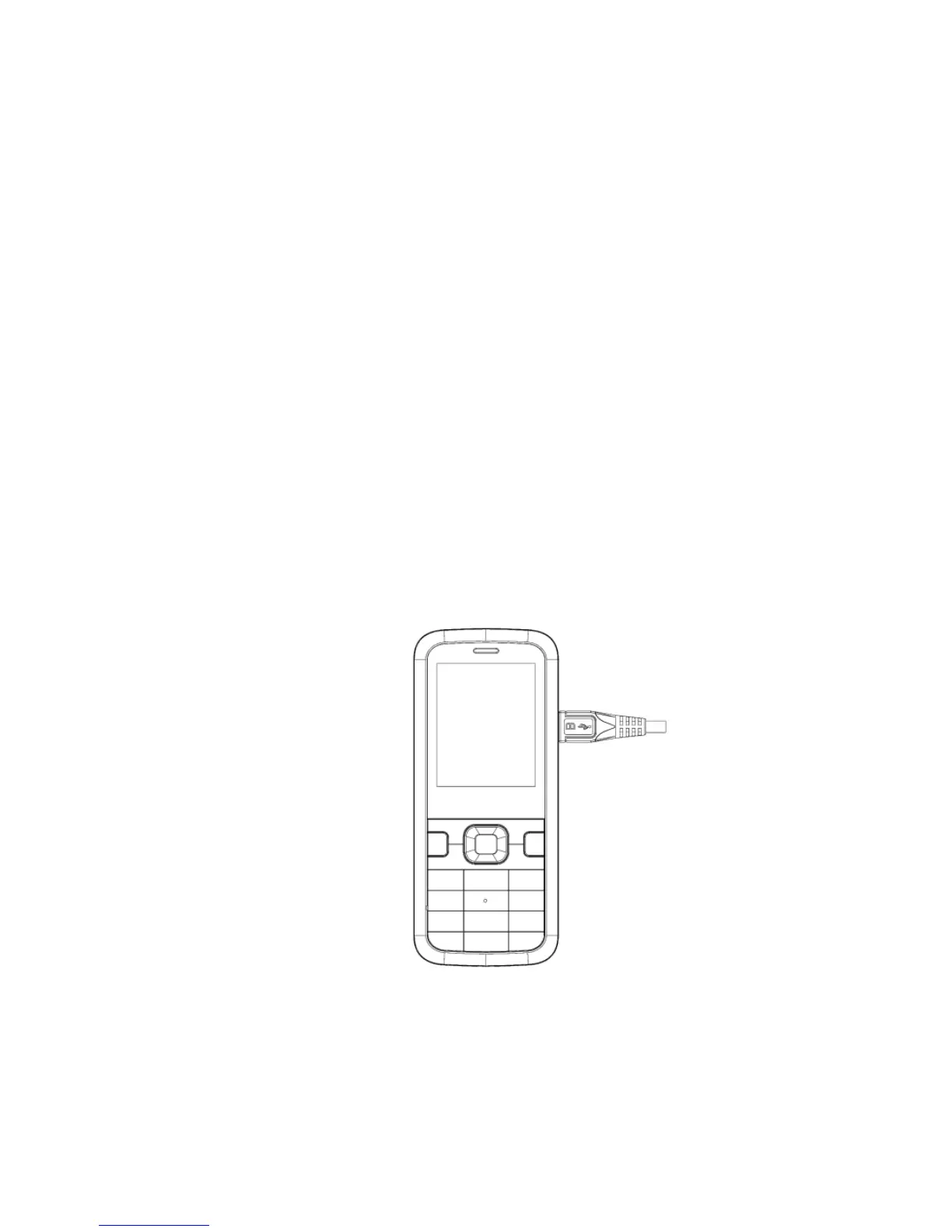
4. CHARGING YOUR BATTERY
• Your battery comes partially charged. When you need to charge it:
1. Plug the micro USB cable in to the handset
2. Plug the other end of the cable into the:
• AC adapter and plug the adapter into an electrical outlet
• USB port on your computer
• The plug and socket are shaped so they will only fit together one
way.
• A sound is played when the charger or USB cable is
inserted into the handset.



 To Next Page