3.3 DPH200 menu structure
User friendly menu navigation allows reaching all GSM Desktop phone features.
Menu navigation
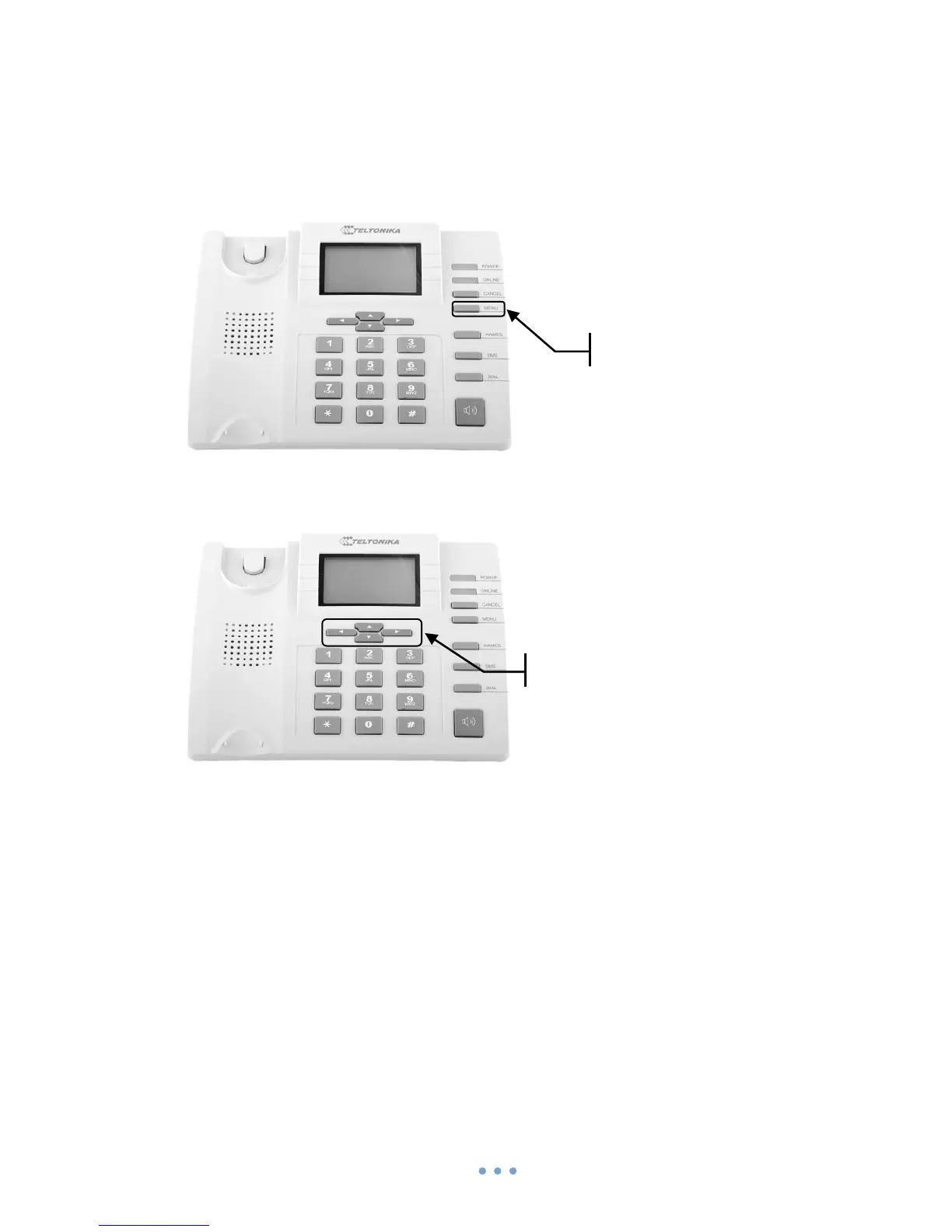
To enter menu press the functional MENU key.
Menu items are selected by using up and down arrow keys ▲▼ located below the
LCD screen.
To enter selected menu function press left arrow key ◄ (LCD displays OK), to exit
press right arrow key ► (LCD displays Exit).
Menu structure is shown below



 To Next Page