2 GETTING STARTED
Package Contents
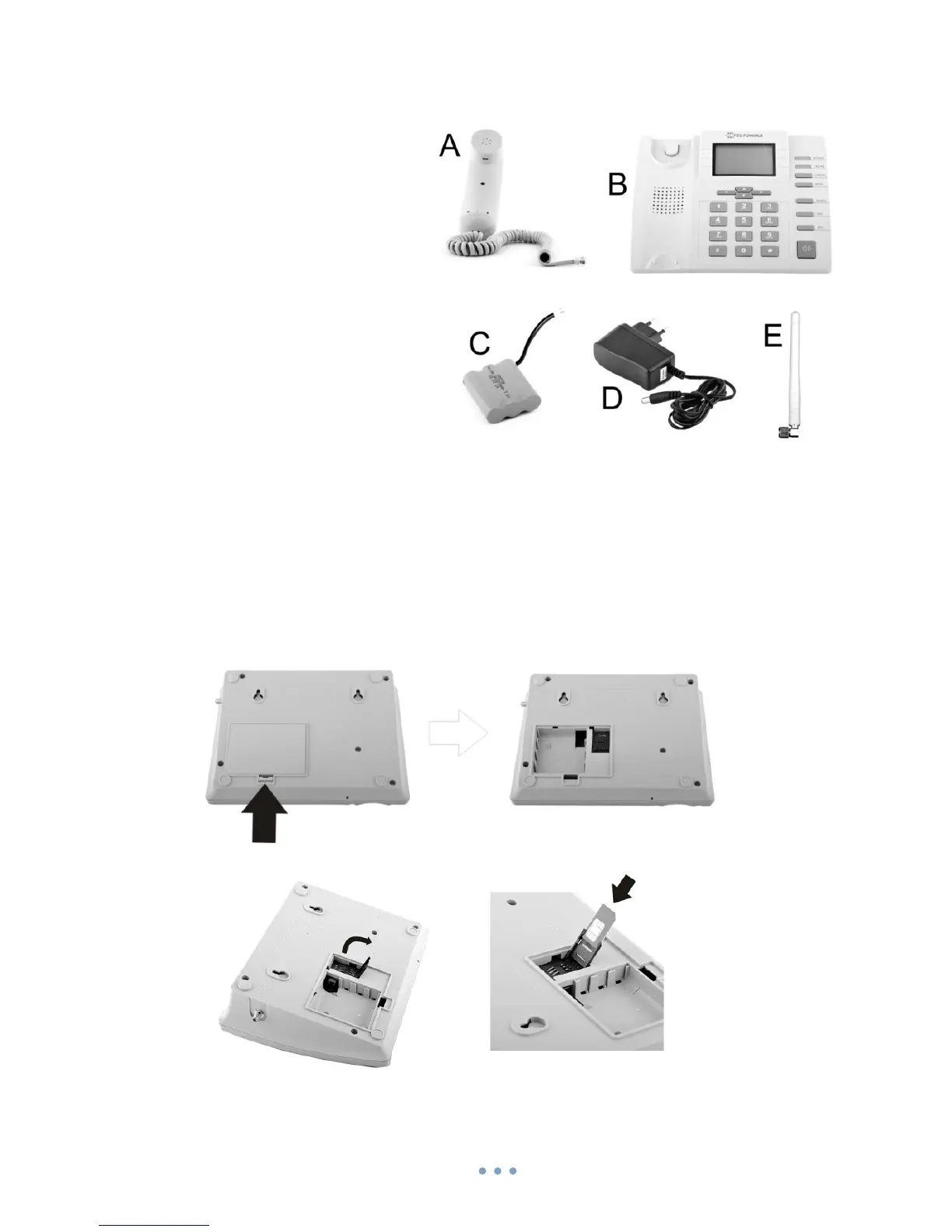
A. Handset with cable
B. Phone device
C. Battery
D. Power supply adapter
E. External GSM Antenna
F. User manual
Note: If any of the components are missing or damaged, please contact the
retailer or reseller from which this product was purchased.
Inserting SIM card
Note: SIM card is mandatory for setting up connection to the GSM network. If you
don’t have s SIM card please contact your network service provider.
1. Unplug the power supply adapter
2. Open cover
3. Flip SIM card holder and gently insert SIM card in the slot
4. Close SIM card holder



 To Next Page