Download Data
Download data via TempCentre
Connect logger to PC, open TempCentre software, and click Connect to establish data connection
between logger and PC, after successful connection, all raw data in data logger would be loaded to
TempCentre for viewing and analysis.
Please remember to save data to data base of TempCentre by clicking Save button in down right corner
of program.
Get data by copying PDF report
For models supporting automatic PDF report generation, there is an easier way to achieve data, connect
logger to USB port of PC, data logger will start generating PDF report and it may take couple of seconds
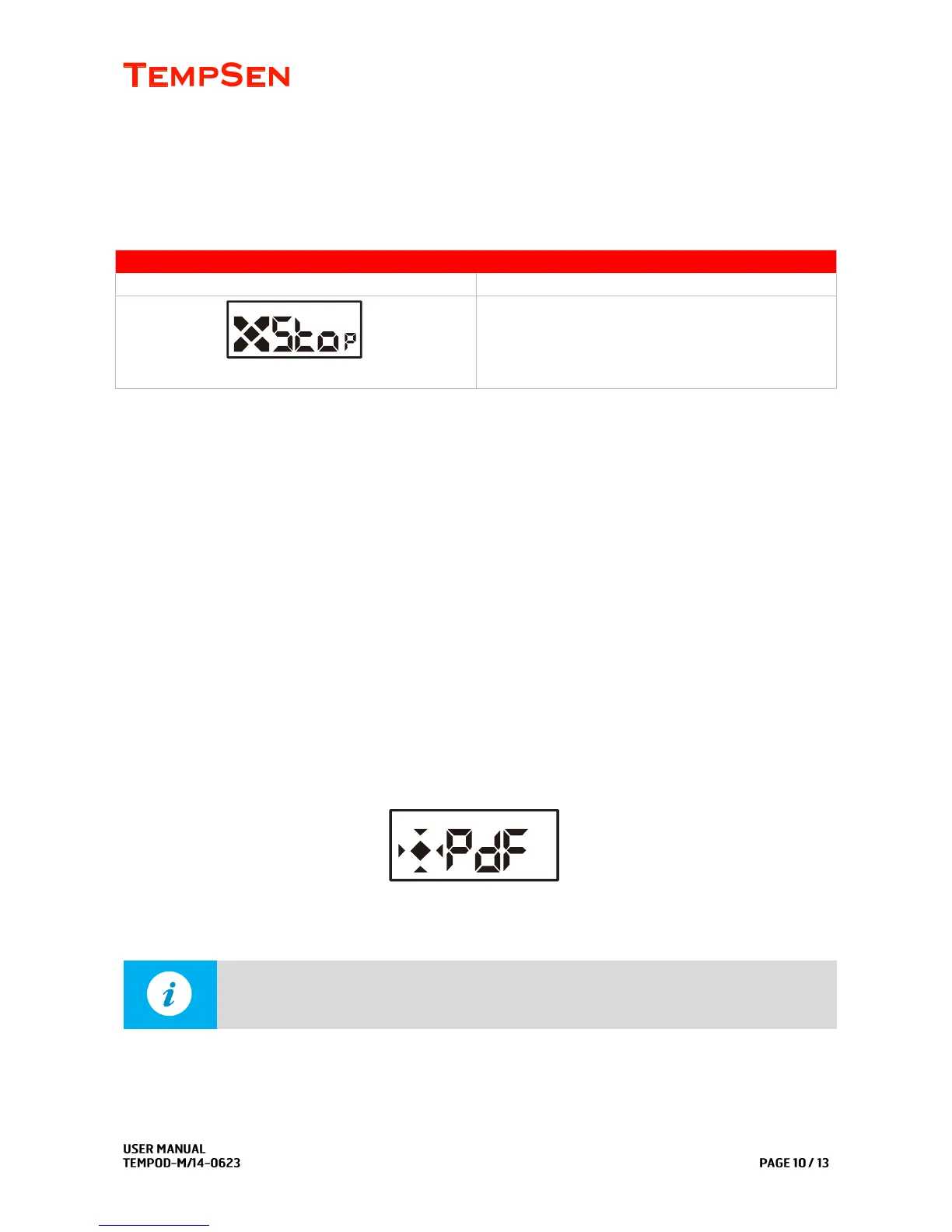
for the process to complete. LCD displays as below while creating PDF report.
Open a storage device named TempSenDisk in Computer, copy the PDF report inside to your PC, and
then open and view it with Adobe PDF reader.



 To Next Page