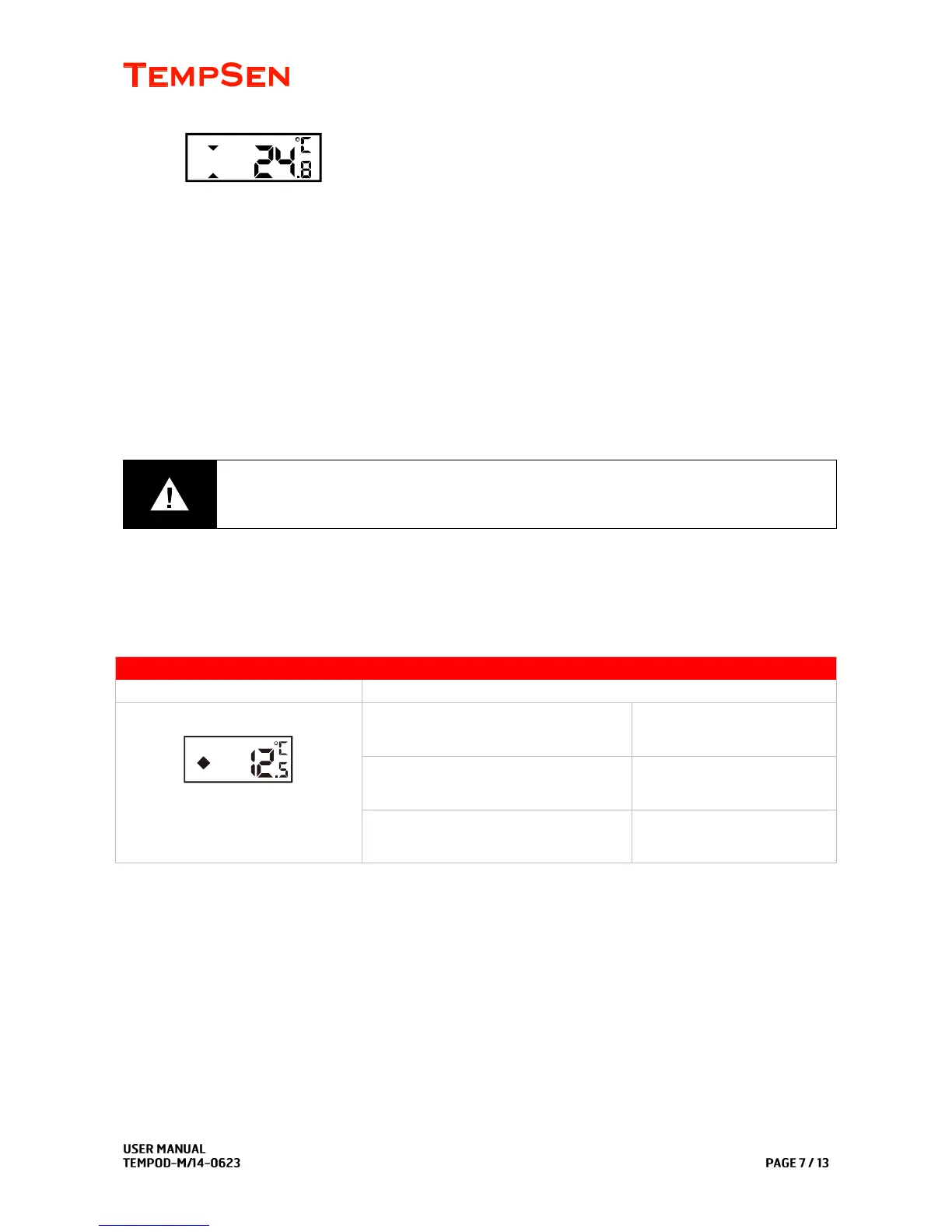
(In this example, logger configured as temperature start shows current temperature reading after
manual start.)
If device is set as Auto Start, no further action is required to start device, logger would start recording
automatically when time is up.
TempodM1
Please press and hold Start/Stop button for 5 seconds to start device, OK and ALARM LEDs flash in
turn for 3 times indicating start success.
To avoid unnecessary loss to your goods, please do not use the temperature logger while the
LEDs do not flash after being started.
A diamond flashing in left display
Indicates currently recording.
OK or Alarm LED flashes
every 10 seconds
-20°C <=Ambient temperature<=0°C
OK or Alarm LED flashes
every 20 seconds
Ambient temperature<-20°C
OK or Alarm LED flashes
every 30 seconds
Mark Important Events
Tempod MP/MP-X/MP-1
During recording, press and hold Select/Mark button for several seconds, display will change to Mark
mode, and a “MARK” flashes in upper display indicating a mark is about to be placed.
To successfully add a mark, please hold the Select/Mark button throughout the whole process.
A maximum of 9 marks are available for adding.



 To Next Page