Before After
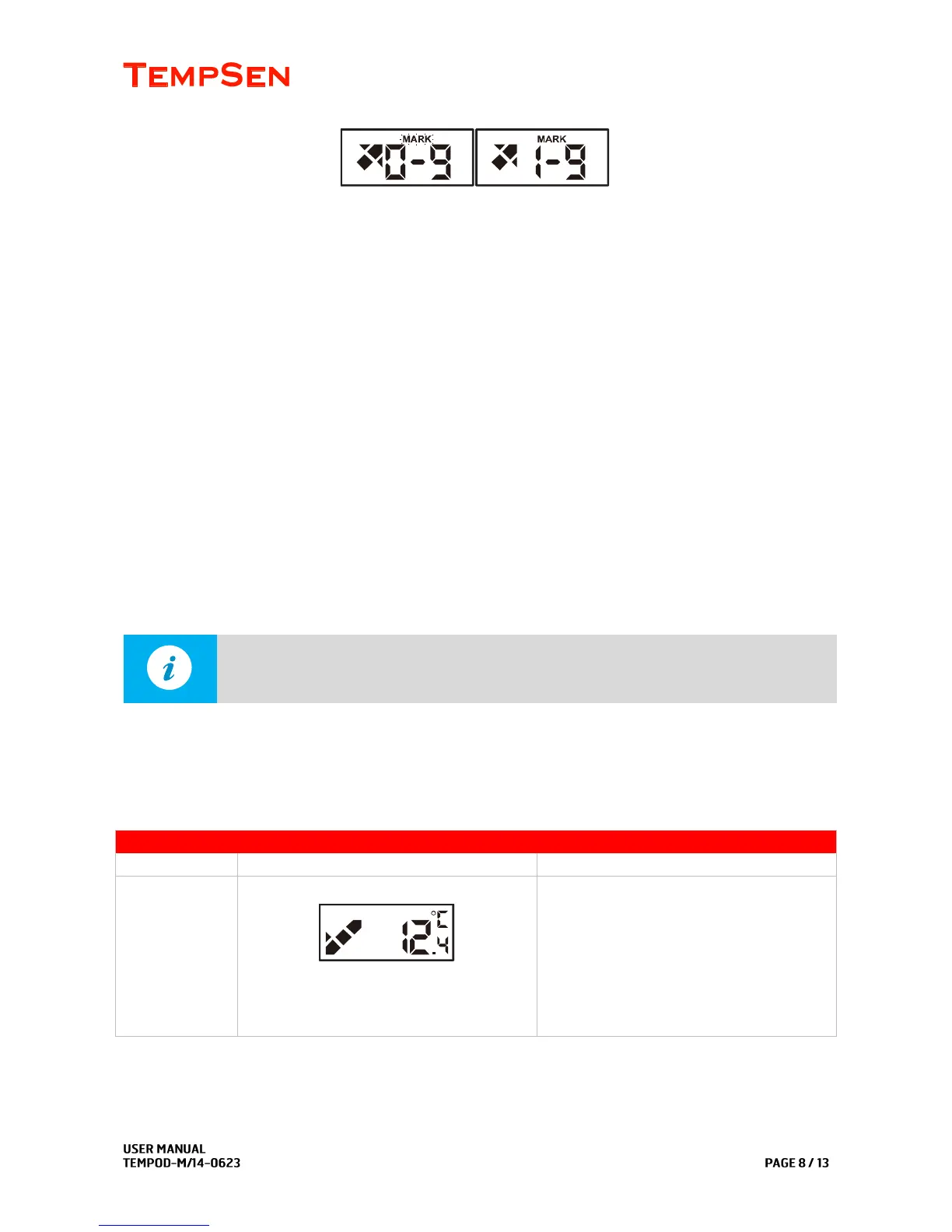
A timestamp would be written in logger every time you add a mark, all marks added would be plotted in
graph and data list in report.
Tempod M1
During recording, press and hold Mark button for 3 seconds, both OK and ALARM LEDs lighting up and
off indicates mark success.
A timestamp would be written in logger every time you add a mark, marks would be plotted in graph and
data list area in report.
Trim Data using Mark points
TempCentre software allows user to trim each data record using mark points placed during recording, that
means by taking advantage of placing mark points in transit, user could obtain a data record that makes
sense for stakeholders.



 To Next Page