Self-Service Troubleshooting Steps
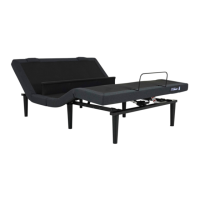
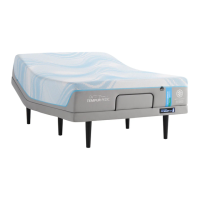
FOR A NON-RESPONSIVE EASE, ERGO, OR ERGO EXTEND ADJUSTABLE BASE
START HERE:
Initial Troubleshooting Checklist for a Non-Responsive Base:
Ensure your base is plugged in to a power outlet
Change the batteries in your remote control
Verify the Child Lock feature is disabled (see steps below)
Steps to deactivate the Child Lock feature on your
adjustable base remote:
Step 1: Identify the label on the back of your remote.
Figure 1: Orange and White Warning Label
bases unexpectedly stop
functioning is because the
Child Lock feature is
unintentionally activated. This
can happen by accidently
pressing multiple buttons at
once.
Fortunately, deactivating the
Child Lock is easy!

 Need help?
 General


 To Next Page