E-mail: tenamic@aliyun.com 06
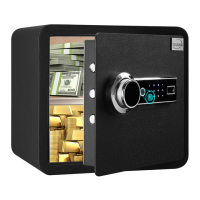
SAVE FINGERPRINT
● Press the green button, when you hear "Please input the fingerprint", place your finger on the illuminated
fingerprint reader. When you hear "Succeed", remove your finger.
SETTING PASSWORD
● Setting the user password
Press the red button. When you hear "Please input first new password", enter a new password of 3-8 digits and
press “#” to confirm. When you hear "Set successfully", it means that the password is set successfully.
● Setting the master password
Touch the digital panel, enter "00", then press the red button. When you hear "Please input second new
password", enter a new password of 3-8 digits and press "#" to confirm. When you hear "Set successfully", it
means that the password is set successfully.


 To Next Page