10
2.2 Install the program
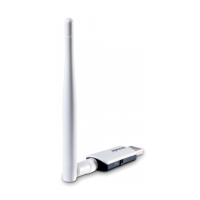
The wireless USB adapter is compatible with Windows 11/10/8.1/8/7/XP, Linux and Mac 10.9-
10.15 operating systems. Windows 10 is taken as an example here.
Step 1 Insert the included CD Resource into the CD drive of your computer.
If your computer has no CD drive, go to www.tendacn.com to download the program of
the product and make sure that the directory of the downloaded program does not
include Chinese characters. Otherwise, the installation may fail.
Step 2
Open the root directory of the CD Resource and double-click to run the
installation wizard. Click Install Now to install the program.
By default, the program is installed on the C drive of the computer. You can click Custom
Install to change the installation location.
---End


 To Next Page
 Loading...