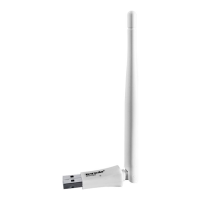
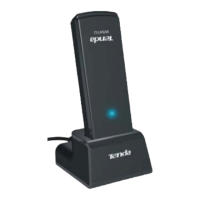
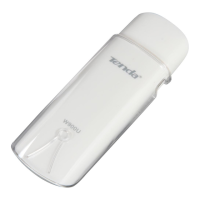
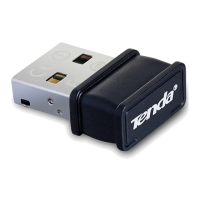
2 Install the device
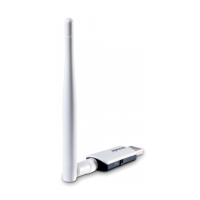
The wireless USB adapter is compatible with Windows 11/10/8.1/8/7/XP, Linux and Mac
10.9-10.15 operating systems.
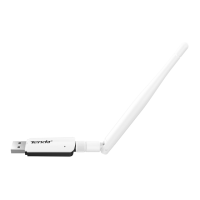
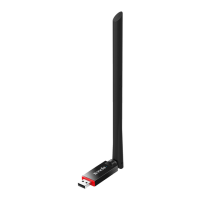
You can install the wireless USB adapter simply by performing two steps: Connect the wireless USB
adapter to your computer, Install the program.
2.1 Connect the wireless USB adapter to your
computer
For flexible placement to get better WiFi signals from a router, it is recommended that
you use the USB extension cable.
Method 1 Connect the wireless USB adapter to the USB port of your computer using the USB
extension cable.



 To Next Page
 Loading...