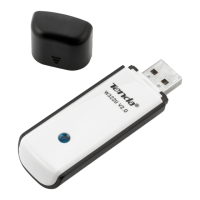
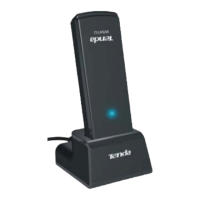
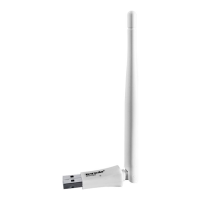
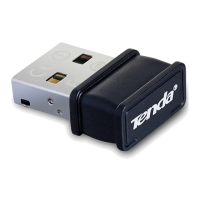
3. business or individual always in need of network topology changes;
4. business or individual who wants to have a wireless network
established fast and simple without the mess of wiring.
1.5 Before Getting Started
1. Before installing and using this product, please peruse the entire
user guide.
If you have a built-in wireless adapter, please disable it in
Device Manager before installing this Tenda adapter.
Also, if you have previously installed a different
manufacturer's adapter or a different model Tenda
adapter, make sure the software and driver are
uninstalled before installing the new software. Some
utilities may cause a conflict with the new software.
1.6 Disable other manufacturers’ wireless network adapters
1. Right click “My Computer” and select “Manage”


 To Next Page
 Loading...