5
5.7 Unit Switch for °C, °F and K
Press and hold for ≥ 2 seconds to switch the
unit: Celsius (°C), Fahrenheit (°F), or Kelvin (K).
5.8 Data Hold
Press to enable or disable the data hold
function.
5.9 Disable Auto Power Off Function
Press and hold for 2 seconds to enable or
disable the auto power off function.
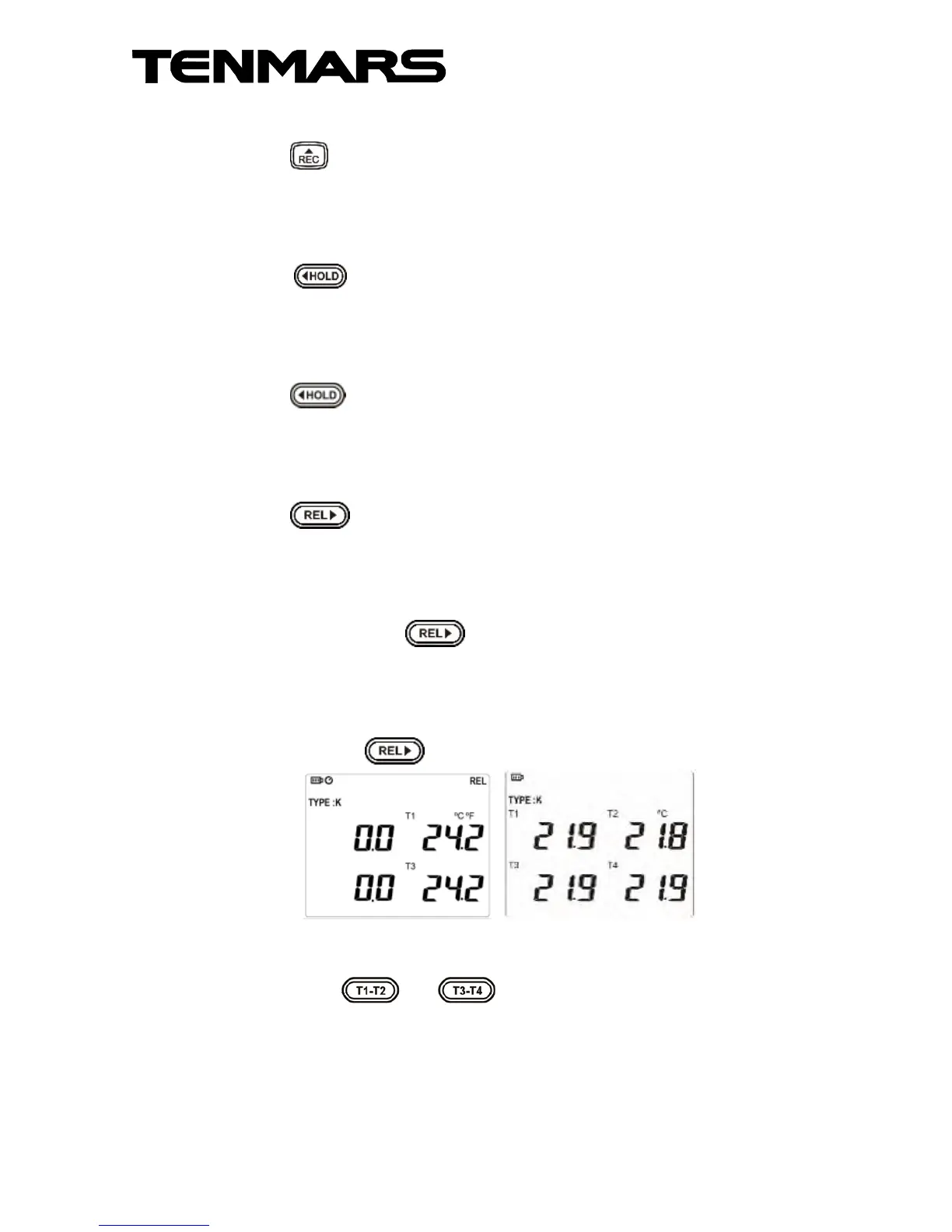
5.10 Relative Value Measurement
Press to enter the relative:
Just use one thermocouple, the difference between
two temperatures can be measured.
For example, measure the first temperature as 25°C,
and then press to show 0°C on the LCD.
Again, measure the second temperature. If the
second temperature is measured as 30°C, the LCD
will show the difference value 5°C (30-25=5°C).
Again, press to disable the function.
The left shows the relative value, right shows the
temperature value being measured.
press the / and hold to switch the
display between "T1 & T2" and "T3 & T4".



 To Next Page