iPhone screen
Android screen
The final screen of the Xtend setup shows
you the name and password of your
existing Wi-Fi network and the name and
password of the Xtend. You might want to
take a screenshot of this screen for your
records.
Press FINISH when you’re ready to
continue.
The final screen confirms that you’ve
finished setup and reboots the Xtend to
apply the network settings.
WIFI EXTENDER SETUP with the APP (continued)
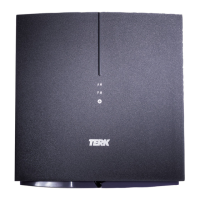
WAIT FOR THE XTEND TO REBOOT!
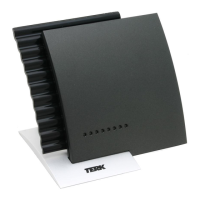
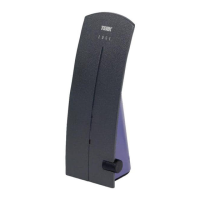
Allow a minute or so for the Trinity Xtend to restart
before you start connecting devices to it. The LINK
light on the front of the Xtend will turn solid blue
when it’s ready to accept connections from your
devices.





 To Next Page
