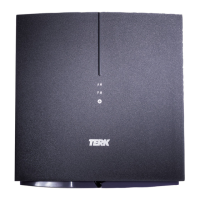
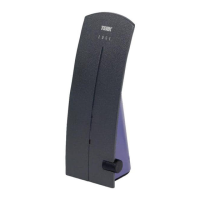
POWER indicator illuminates when the Trinity Xtend is
plugged in.
LINK indicator illuminates when the Xtend is linked to
your home network.
ACTIVITY indicator flashes to show that there is WiFi
activity.
RESET button returns the Xtend to its factory default
settings, clearing all of your network information.
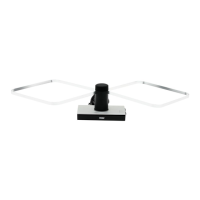
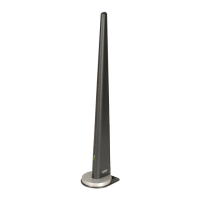
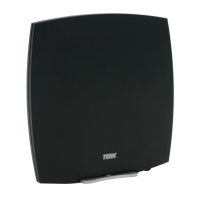
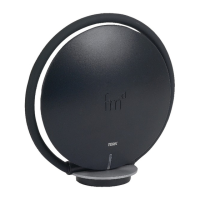
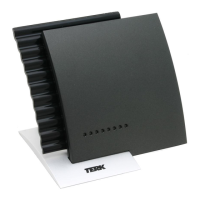
Reception elements pick up local television broadcast
and WiFi signals.
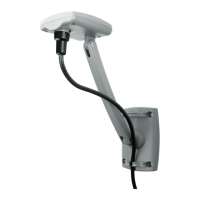
Mounting keyholes let you mount the Xtend to a wall
using the supplied mounting hardware.
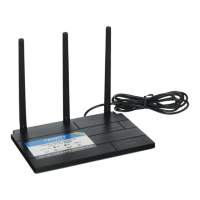
SSID and password label gives you the information
necessary to set up the Xtend with your WiFi network.
This label also has QR codes for quick access to the
XTEND App for Android or iOS devices.
Top
Bottom
Mounting
keyhole
SSID / password
label
Reception element
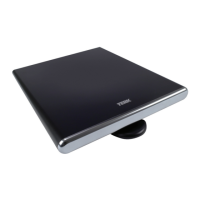
TOUR OF THE TRINITY XTEND
iOS
Android
SSID: AB1234_YZ
PASS: password1
Web browser link:
http://terkxt1.local




 To Next Page
