18
Handbuch / Manual
6. Volume Message button:
This button which sends values 0-127 affects the loudness of a sound (patch).
Using the Data Entry Slide:
This slide controller allows you to adjust following
parameters: Volume, Velocity, Chorus, Reverb, Pan-pot, and
After touch from your keyboard directly.
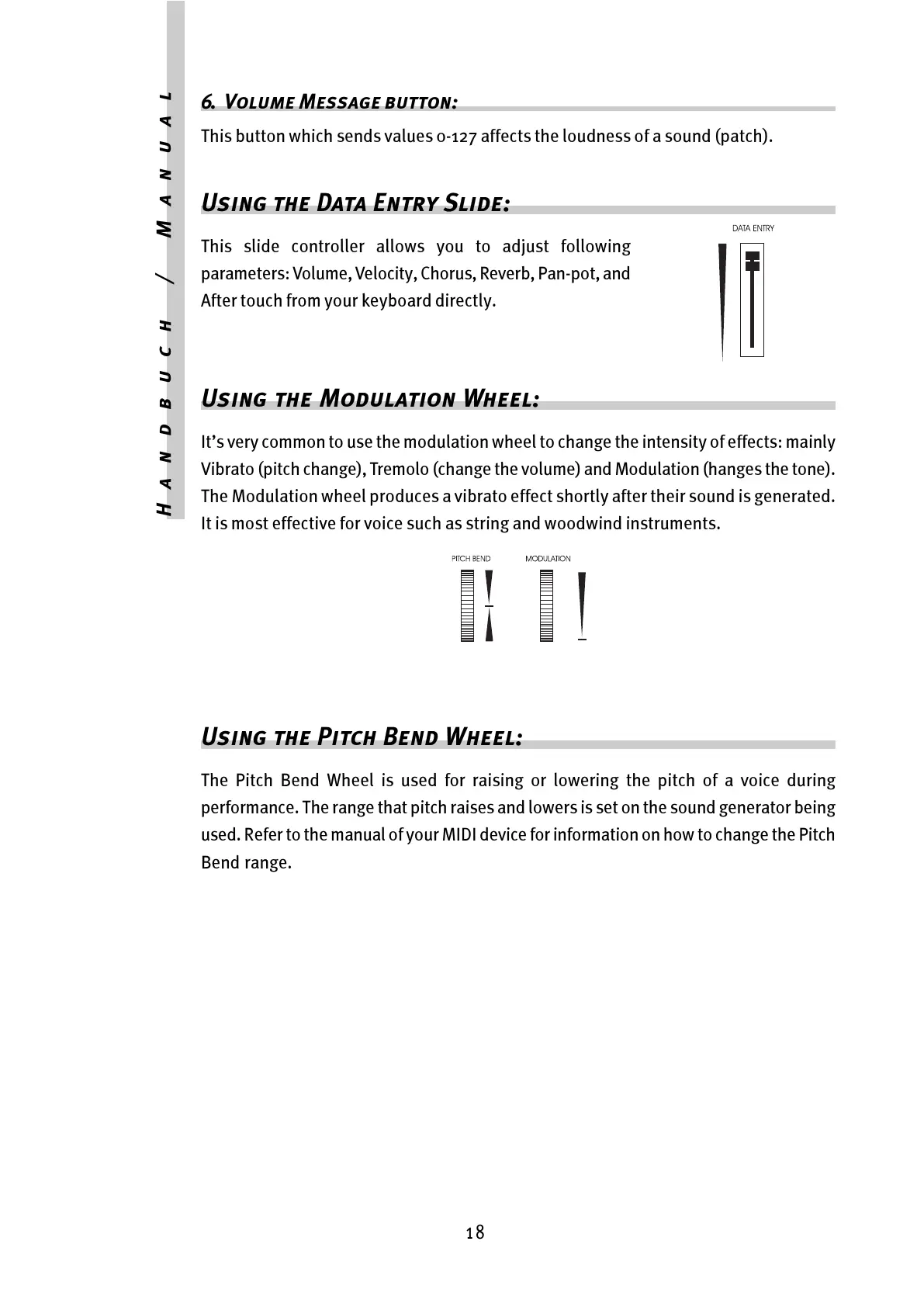
Using the Modulation Wheel:
Its very common to use the modulation wheel to change the intensity of effects: mainly
Vibrato (pitch change), Tremolo (change the volume) and Modulation (hanges the tone).
The Modulation wheel produces a vibrato effect shortly after their sound is generated.
It is most effective for voice such as string and woodwind instruments.
Using the Pitch Bend Wheel:
The Pitch Bend Wheel is used for raising or lowering the pitch of a voice during
performance. The range that pitch raises and lowers is set on the sound generator being
used. Refer to the manual of your MIDI device for information on how to change the Pitch
Bend range.



 To Next Page