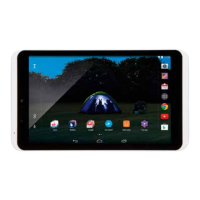
Sleeping
When set to sleep, Hudl will wake up again quickly
when needed. Sleep mode is recommended when
Hudl is in regular use.
— Press the Sleep/Power button briefly to put
the tablet into sleep mode.
Hudl will sleep.
Switchingoff
If the power is switched off completely, Hudl will save
battery power, but will take longer to wake up.
Press and hold the Sleep/Power button to switch off.
You can now choose Power off, Aeroplane mode or
Silent mode.
Choose Power off to switch off and save power.
Choose Aeroplane mode to keep running, but switch
off wireless network and bluetooth communication.
Choose Silent mode to keep running, but with the
sound muted,
Auto Sleep
Hudl will automatically sleep if you
haven’t touched the screen for a while.
You can change the Auto Sleep period
if required. Refer to the Settings
section for more information.


 To Next Page