Connectingpower
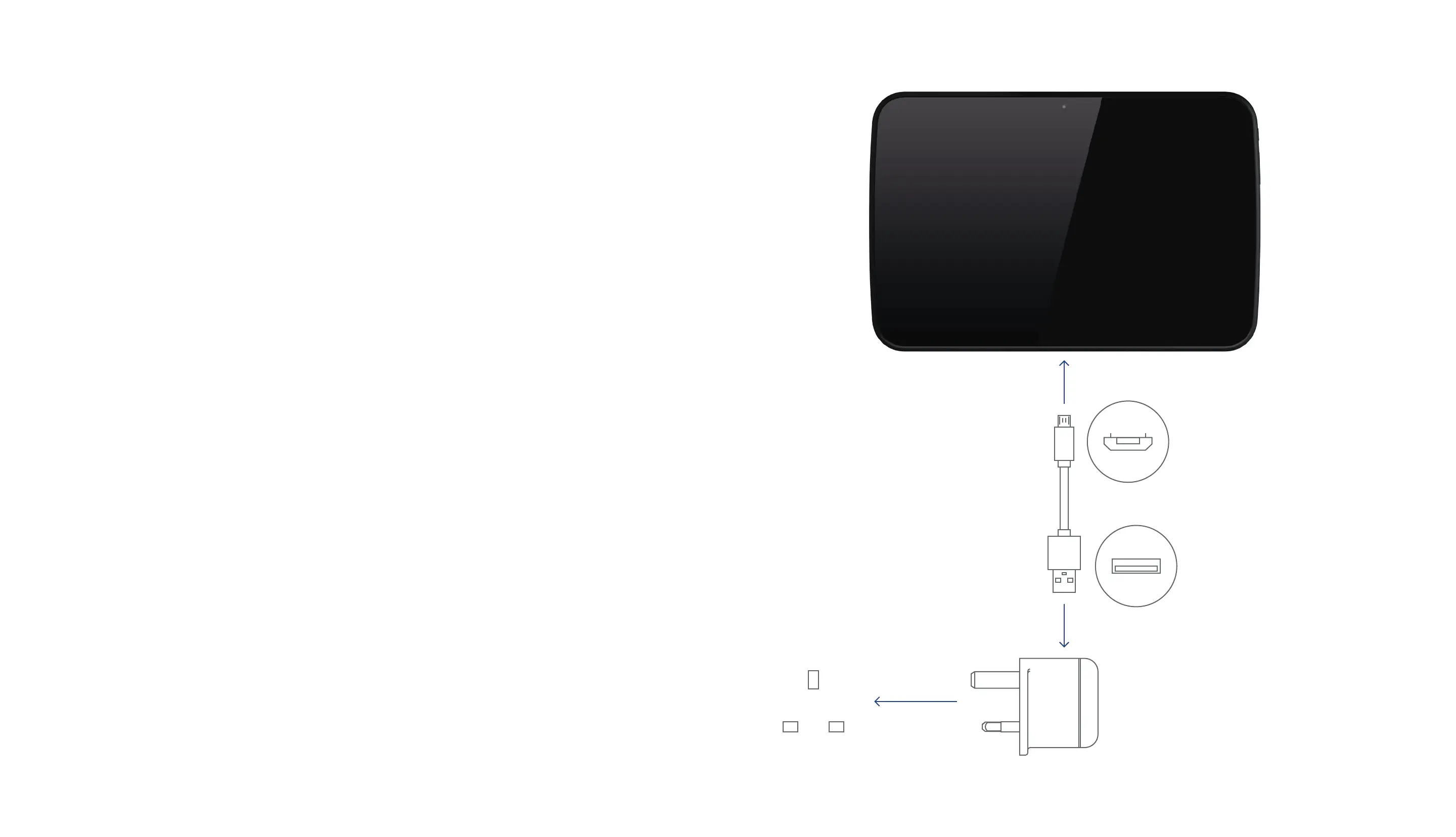
Plug the USB cable into the USB port on the
AC adapter/charger.
Connect the cable to the micro-USB port on
the Hudl.
Check that the mains voltage marked on the
rating plate of the AC adapter/charger is the
same as the voltage in your area.
Plug the AC adaptor into an AC outlet and
switch the mains power on.
Hudl will start to charge.
You can use Hudl while the charger is
connected.
Note
Hudl will also charge when connected to
a computer via a USB connection.



 To Next Page