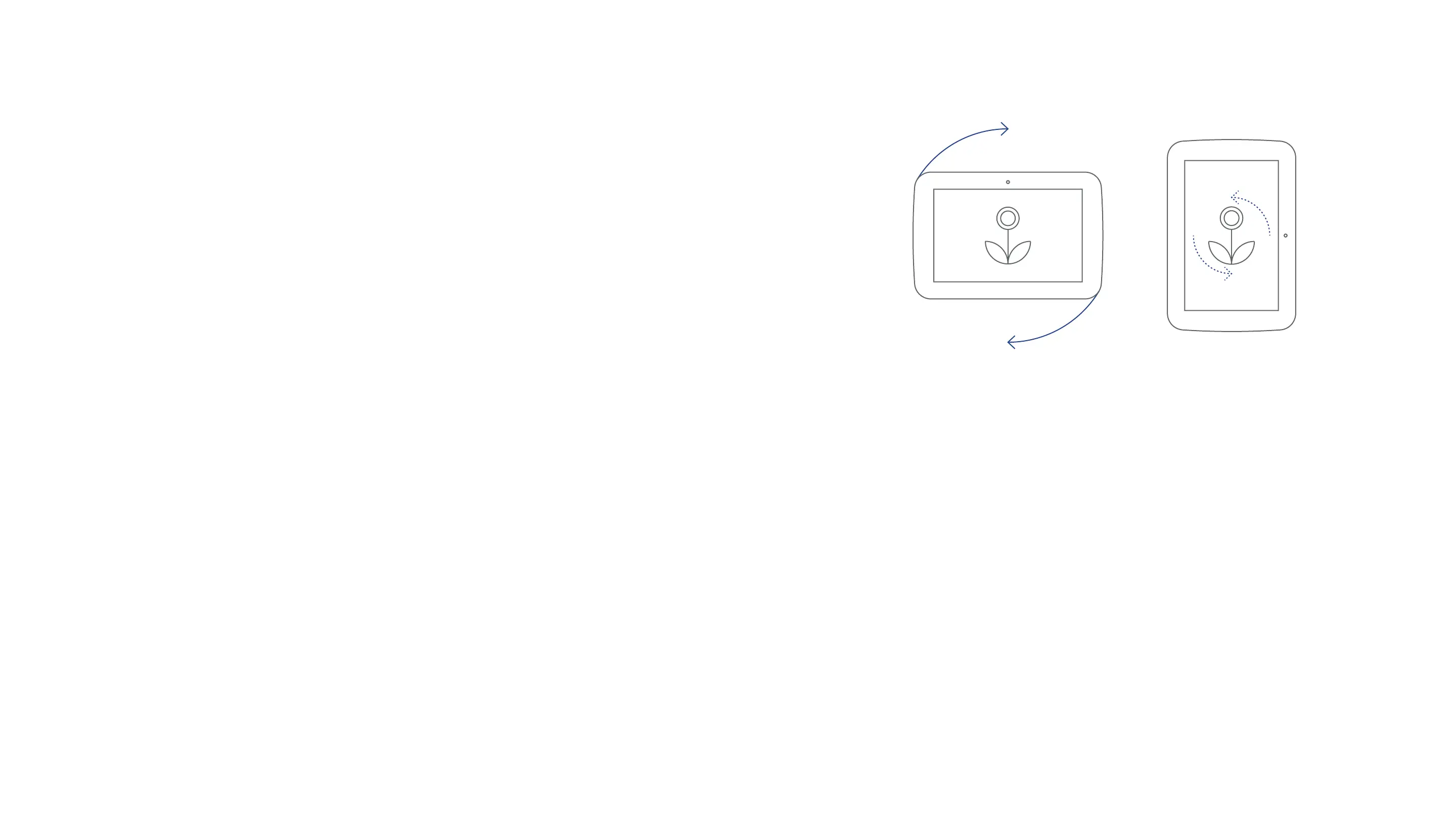
Portraitorlandscapeviewing
At any time you can use the tablet in either portrait
or landscape format.
Portrait
/Landscape
Rotate the screen to switch between
portrait and landscape view.
The accelerometer will detect which way
you are holding the screen and rotate the
content on the screen accordingly.
Documents and photos of people may
display best in portrait view whilst movies
and photos of groups and scenes are best
displayed in Landscape view.



 To Next Page