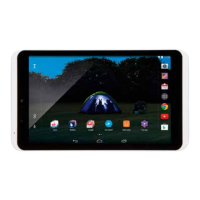
Clockapplication
Clock application during sleep
The clock application will continue to run whilst Hudl
sleeps.
When your Hudl is battery powered, the display will
switch off and conserve battery life. If the charger
is connected, the display will stay lit so you can
continue to see the clock display.
Clock application settings
You can personalise the appearance and other
settings for the clock application.
— Touch to customise your clock settings.
The clock settings screen will open.
Choose from digital or analogue clock
displays, set your time zone and set up
the alarm to your preferences.


 To Next Page