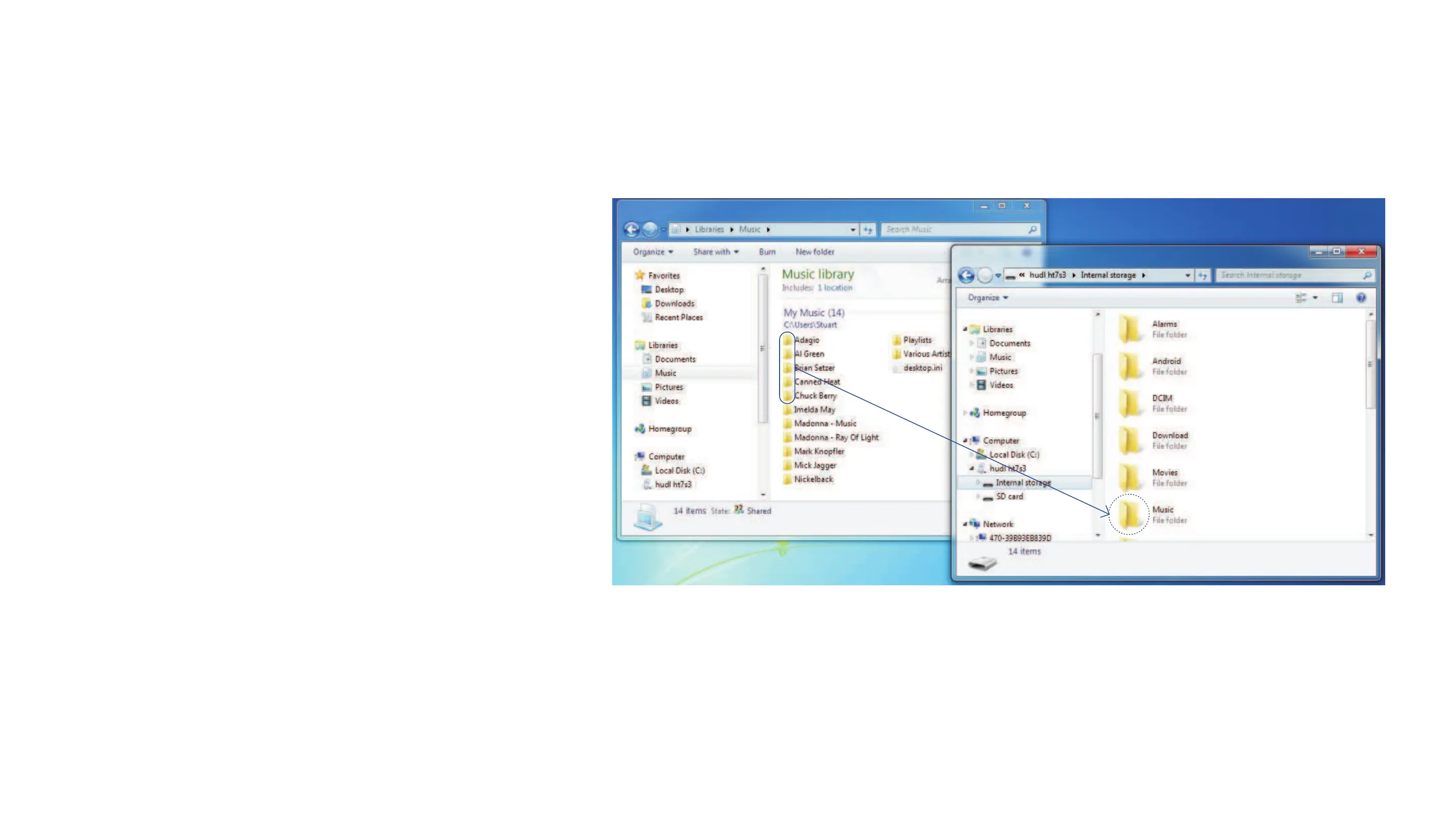
TransferringfilesusingWindowsExplorer
Uploading files/folders
Browse to the folders or files you want to
copy from your computer and drag them
onto a folder to upload them.
In the example, music albums are being
dragged onto the Music folder on Hudl.
The process is the same for other types
of file, but the destination folder will be
different.
You can also drag files the other way to
copy your photos and videos etc. from
Hudl back to a folder on your computer.
Note
MusicfilesmustbeinMPWAV
APEOGGorFLACformatvideos
mustbeinAVIMPMKVMOVor
FLVformatandphotofilesmustbe
inJPGBMPGIForPNGformat



 To Next Page